English
26
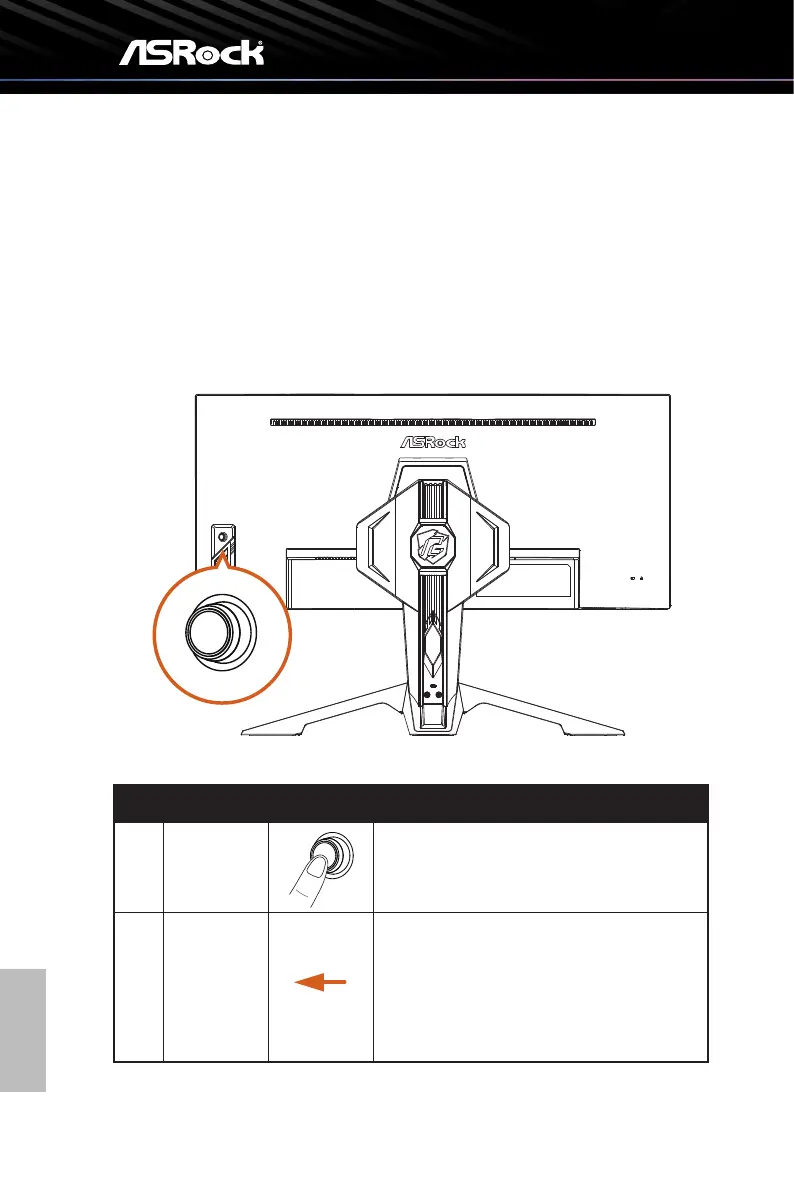
5.3 Using the Joystick Control
When the OSD screen is on, use the joysck on the rear side of the monitor to navigate
the OSD menu and adjust the sengs.
1. To access the OSD menu, press the joysck buon to launch the OSD main menu.
2. Move the joysck up/down/le/right to toggle between opons.
3. Press the joysck buon again to conrm the sengs.
4. Toggle right to exit the OSD menu.
No. Action Joystick Control (When OSD is ON)
1 Press
When the OSD menu is ON, press to confirm
the selection (Enter) or save the settings (OK).
2 Toggle Left
Toggle left to select menu items (Move), go
back to the previous menu (Back) or exit the
OSD menu (Exit)
Decreases the parameters of the selected
menu item (Adjust).



 To Next Page