English
28
Chapter 6 OSD Setup
This chapter provides you with essential information on OSD Setup.
All information is subject to change without prior notice.
Important
6.1 Accessing the OSD Menu
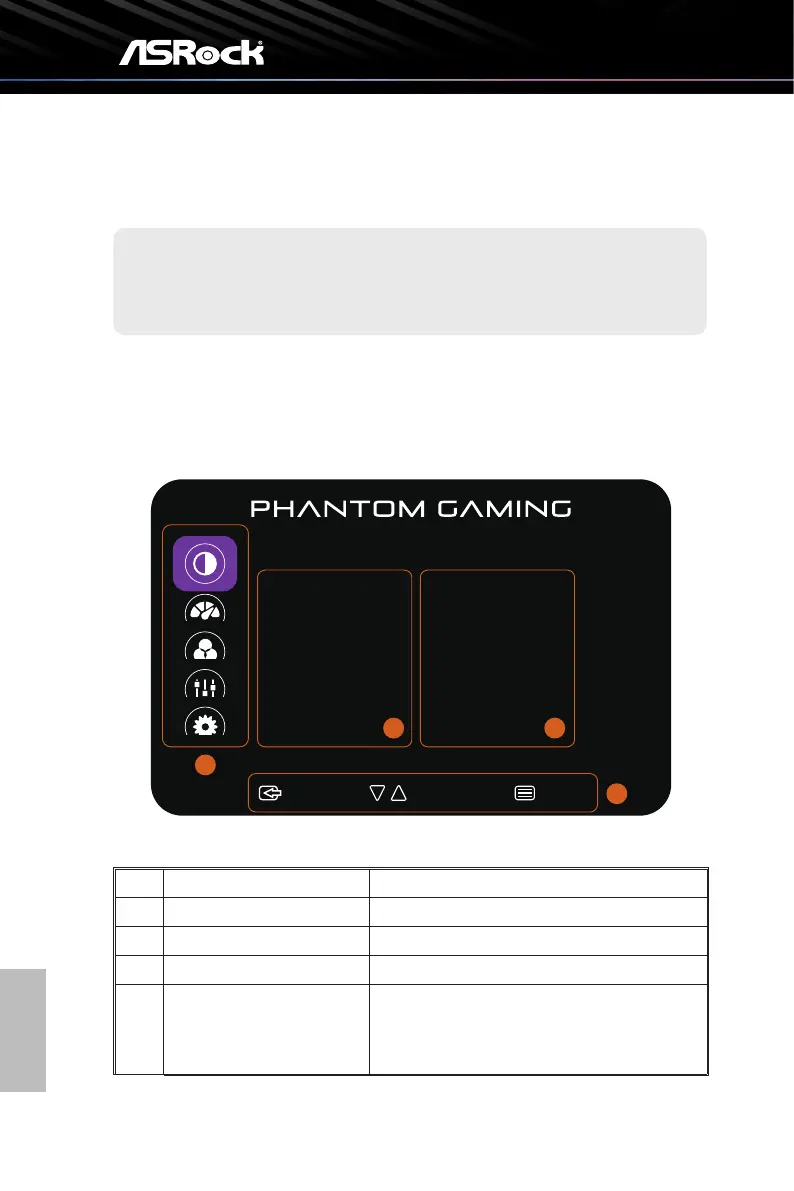
Aer you press the Menu buon, the OSD menu appears on the lower right corner of
your monitor screen.
:Exit :Select:Move
Luminance
Contrast
Brightness
Preset Modes
DCR
MPRT
50
60
Standard
Off
Off
2
3
4
1
No. Item Description
1 Main Menu Item Displays the main menu items.
2 Sub Menu Item Displays the sub menu items.
3 Sub Menu Displays the sub menu.
4 OSD Key
Follow the key guide displayed on the bottom of
the OSD screen to move or select (adjust) OSD
settings.



 To Next Page