41
Additional information
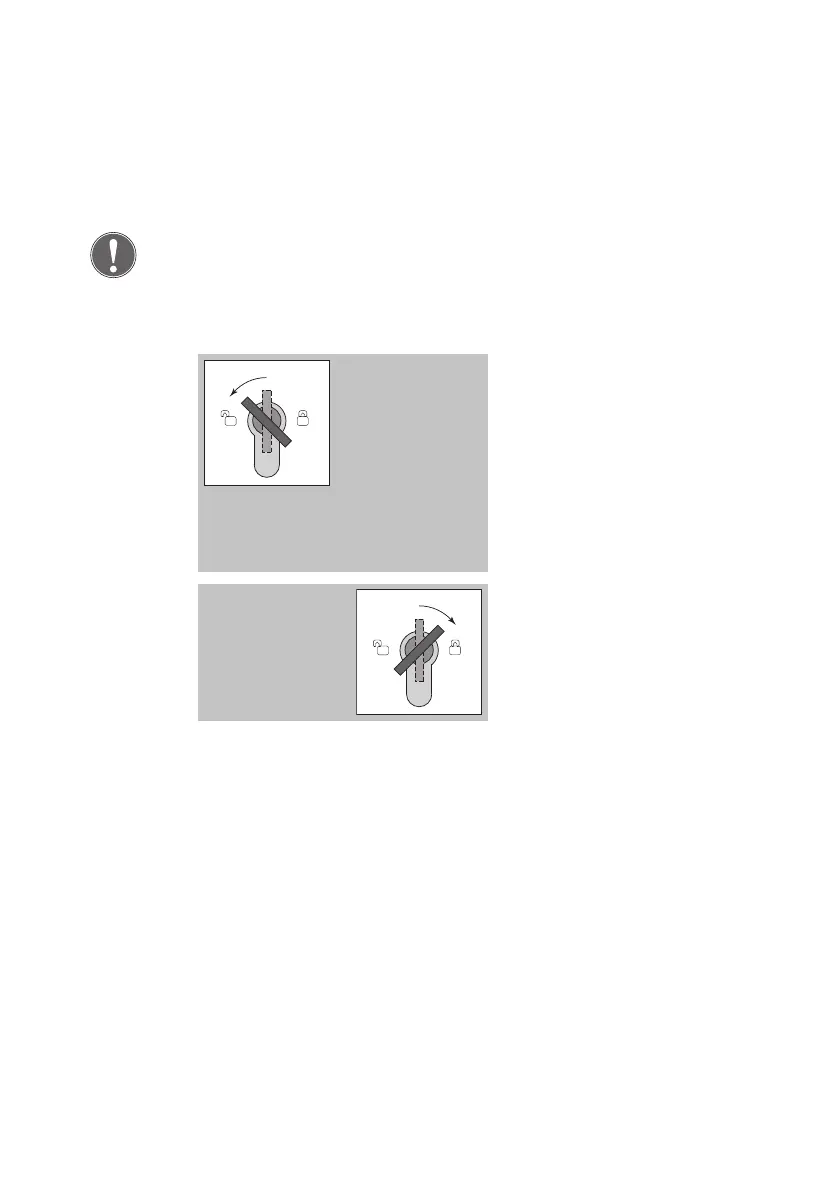
There is only one menu level. This means all menu items can be selected
from here by briefly turning the key to the left to ‚start‘; there are no
submenus.
Turn the key to the left.
The following menu item is
displayed.
The LED display changes.
A short audible signal acknow-
ledges the key has been turned.
A long audible signal acknow-
ledges each time an input is
accepted.
Turn the key to the right.
The LED display changes.
A short audible signal acknow-
ledges the key has been turned.
Advancing
through menu
items
Defining
settings in the
menu


 To Next Page