56
Save LED pattern (=address).
If the LED pattern corresponds to the desired address, wait until the pro-
cess has cycled through completely.
You will hear an audible signal.
Briefly turn the key once to the right.
You will hear a long audible signal
The green LEDs blink in succession.
Switch off configuration mode.
ye
ye
ye
ye
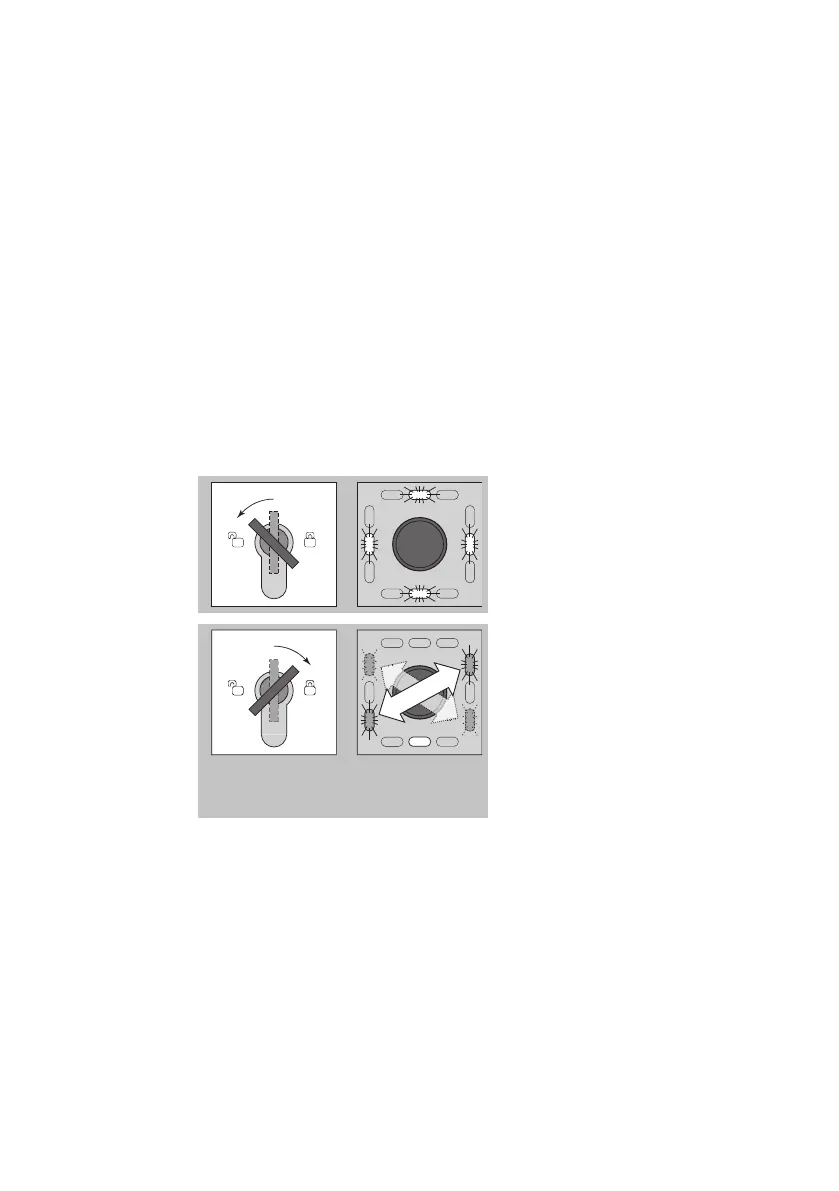
Turn the key to the left while in
configuration mode until the
four yellow LEDs flash (11 - Clo-
se configuration mode).
gn
gn
gn
gn
ye
Turn the key to the right.
A long audible signal is
emitted.
The 4 green LEDs flash in pairs
in a diagonal sequence.
The lower yellow LED lights up
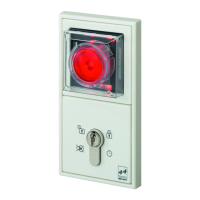
Close the protective cover
again
If no input takes place within one minute while in configuration mode,
the device automatically switches to operational mode.
Several short audible signals are emitted.
Step 5
Step 6
Automatic
change from
configuration
mode


 To Next Page