17
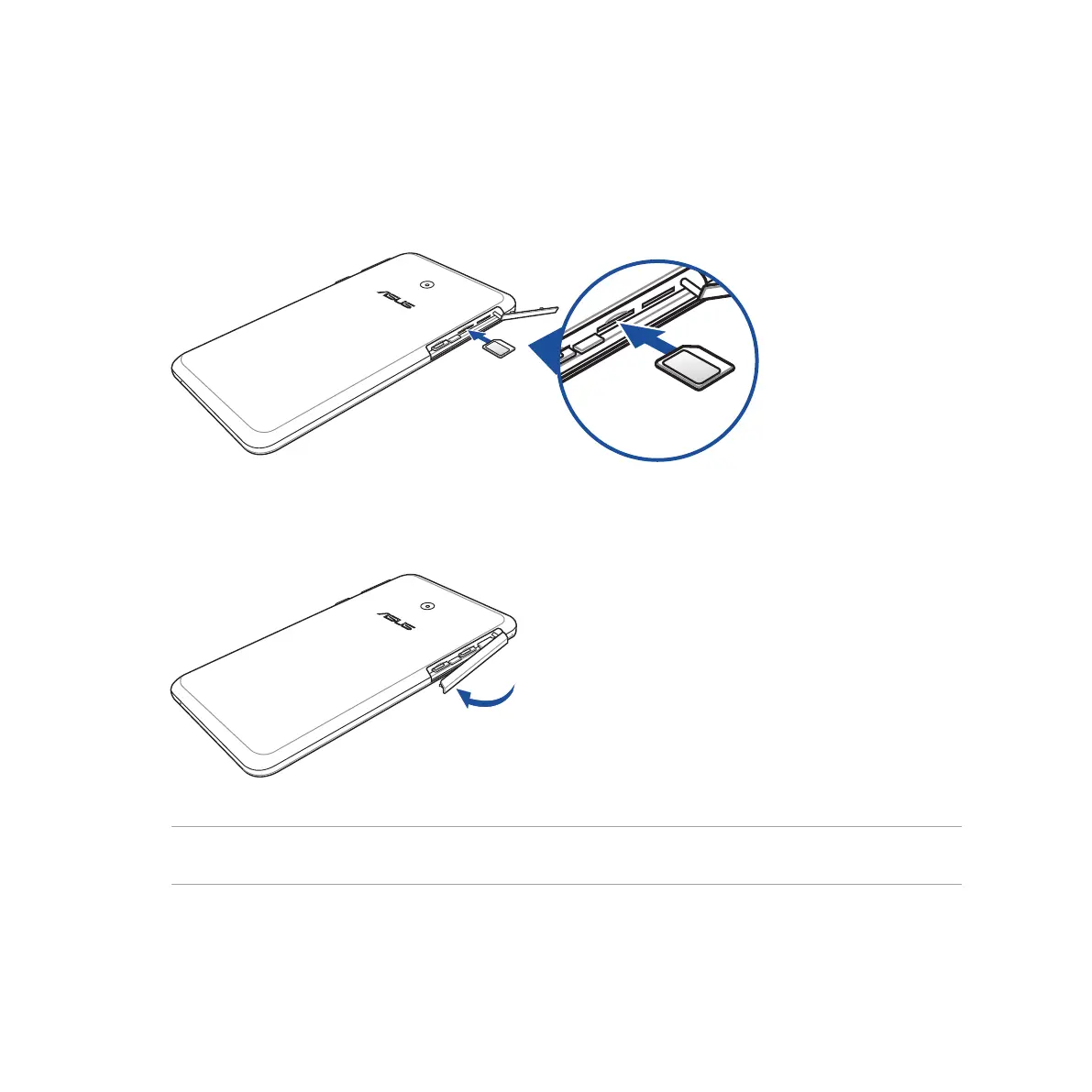
6. Put the micro-SIM/memory card compartment cover back in place.
NOTE: If you installed two micro-SIM cards, go to Settings > Dual SIM card settings for information and
configuration of your SIM cards.
5. If you wish to install another micro-SIM card, orient the micro-SIM card with its gold-plated contacts
facing upward then insert it into the Micro-SIM card 2 slot.
Micro-SIM card 2 slot



 To Next Page