18
Removing a Micro-SIM card
CAUTION! Be extra careful when handling a micro-SIM card. ASUS is not responsible for any loss or damage
incurred to your micro-SIM card.
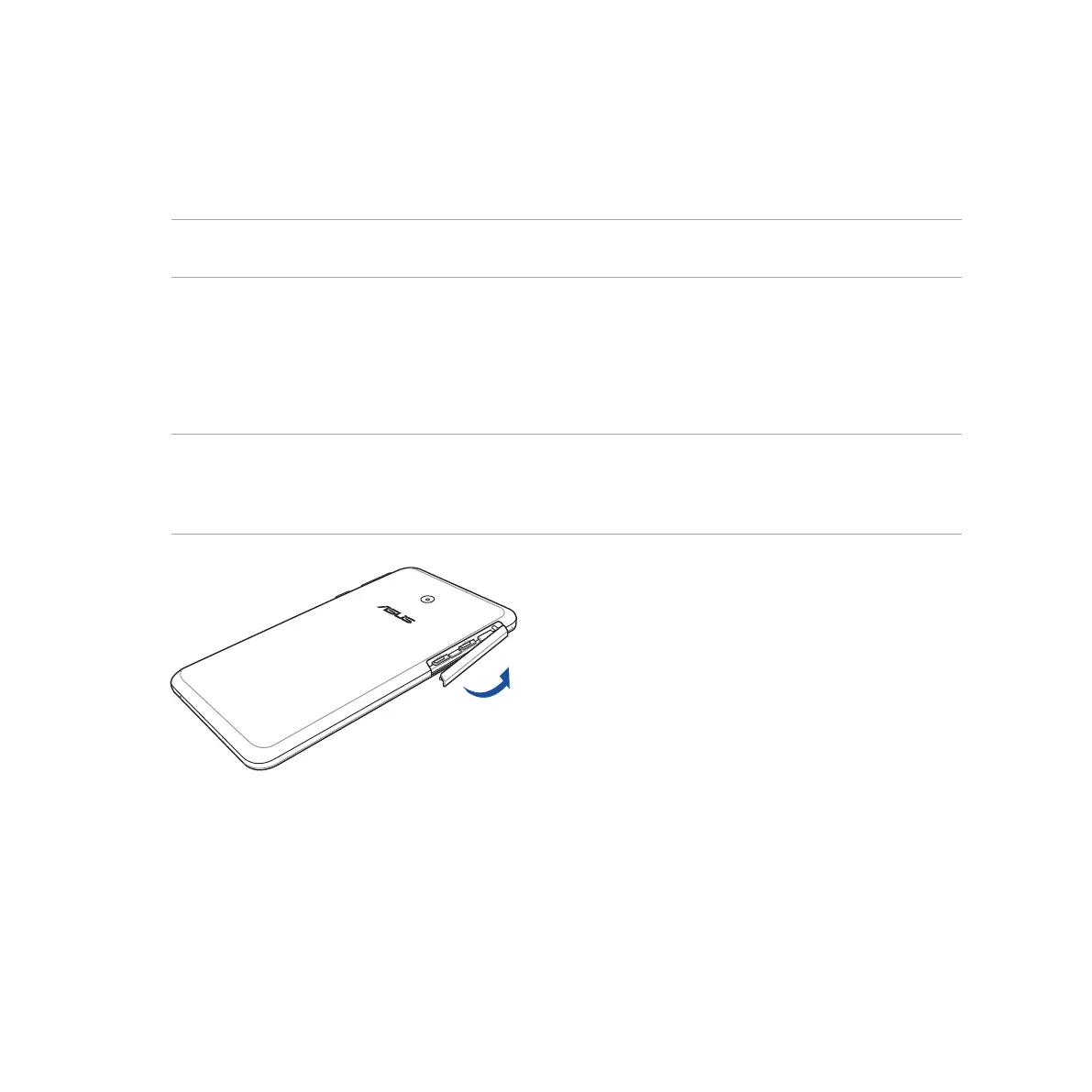
To remove a micro-SIM card:
1. Turn off your device.
2. Orient your device as shown, then open the micro-SIM/memory card compartment.
CAUTION!
• Becarefulnottodamagethecompartmentcoverorinjureyourfingernailswhenyouremovethecover.
• Donotforciblyremove,shear,ordistortthemicro-SIM/memorycardcompartmentcover.



 To Next Page