K00E
23
Gestures for the ASUS Tablet
Using the touch screen panel, the following gestures can be done to navigate,
interact with, and launch the exclusive features included with your ASUS Tablet.
q
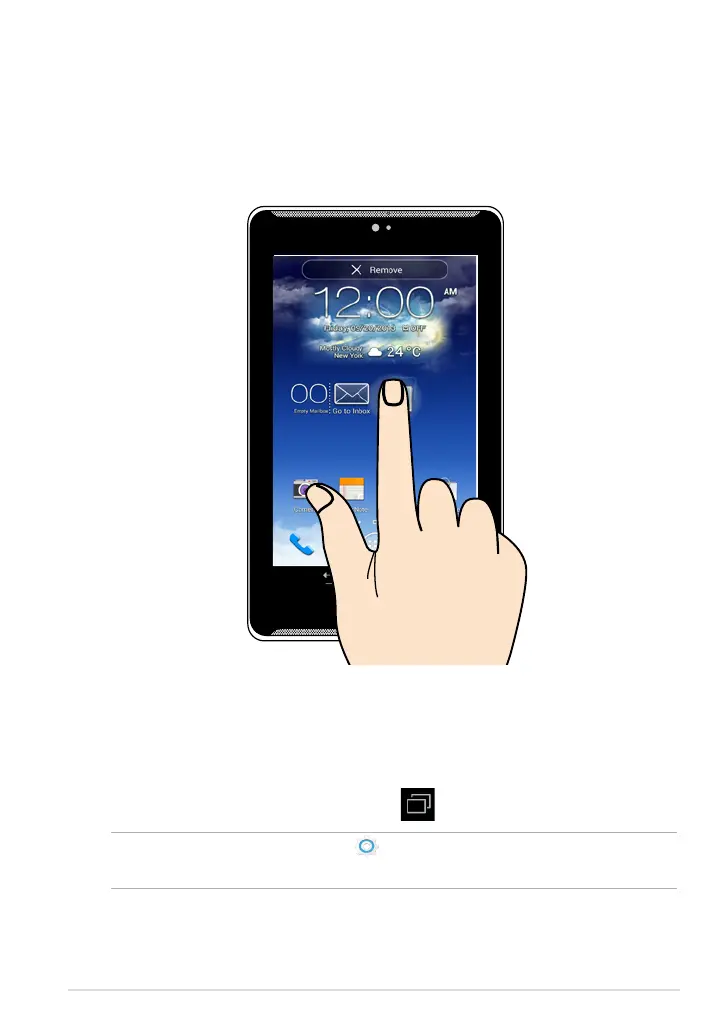
To move an app, tap and hold the app and drag it to a new location.
q
To delete an app from the main screen, tap and hold the app and drag it up
to the top side of the screen.
q
To capture a screen image, tap and hold .
NOTE: To enable this setting, go to
> ASUS Customized Setting then tick
Capture screenshots by holding the Recent Apps Key.
Drag/Tap and hold/Long press



 To Next Page