ASUS Tablet E-Manual
48
Task Manager
ASUS Task Manager displays a list of currently running utilities and applications,
including their usages in percentages, on your ASUS Tablet. You can also open
and close the running apps individually or close all apps and utilities at once
using the Close All function.
To manage Task Manager:
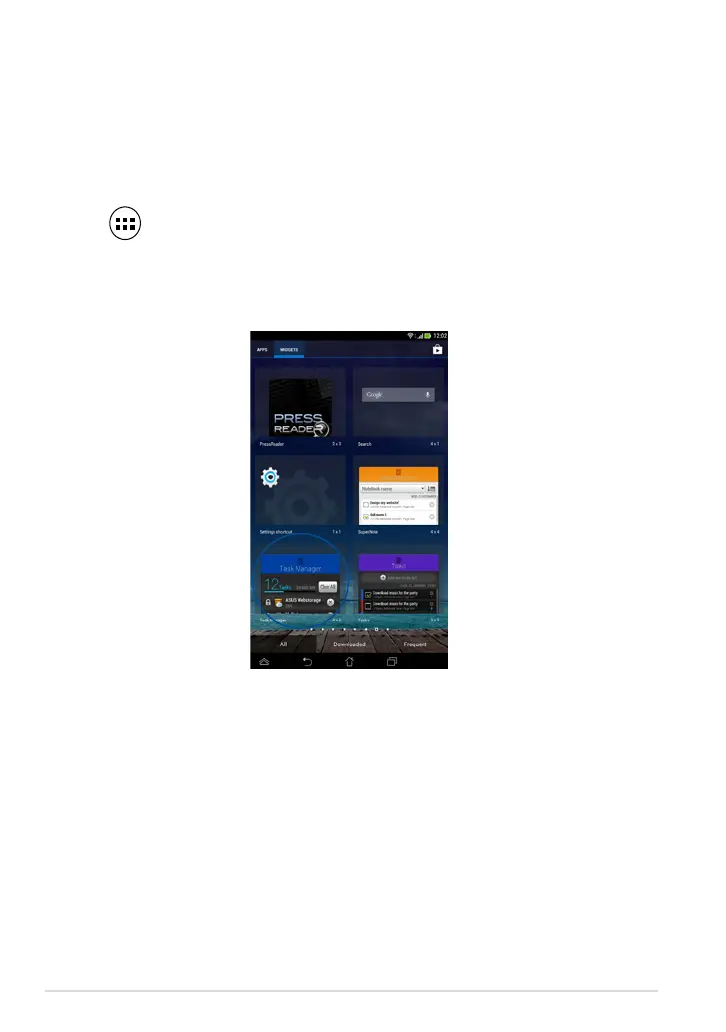
1. Tap to go to the All Apps screen then tap WIDGETS to display the
Widgets menu.
2. Tap and hold ASUS Task Manager to display the ASUS Task Manager box on
the Home Screen.



 To Next Page