K00E
45
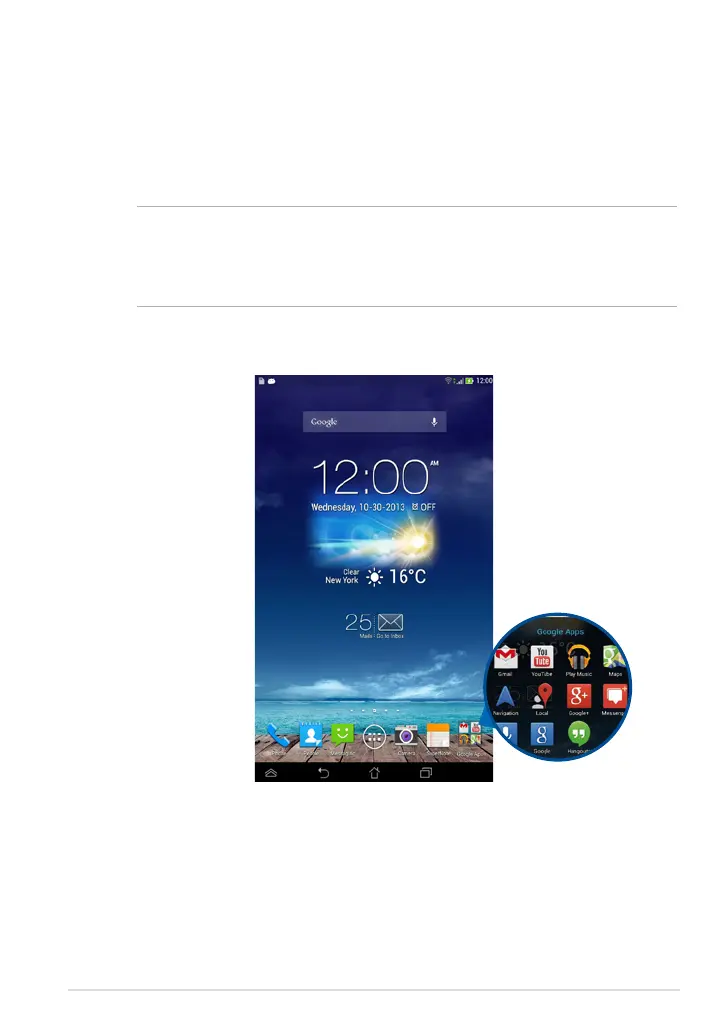
Creating app folder
You can create folders to organize shortcuts on your Home Screen.
To create an app folder:
1. On the Home Screen, tap and drag an app or shortcut onto another app until
a transparent square appears.
NOTES:
• The created folder is shown in a transparent square.
• You can add multiple apps in your folder.
2. Tap the folder and tap Unnamed Folder to rename the folder.



 To Next Page