ASUS Tablet E-Manual
68
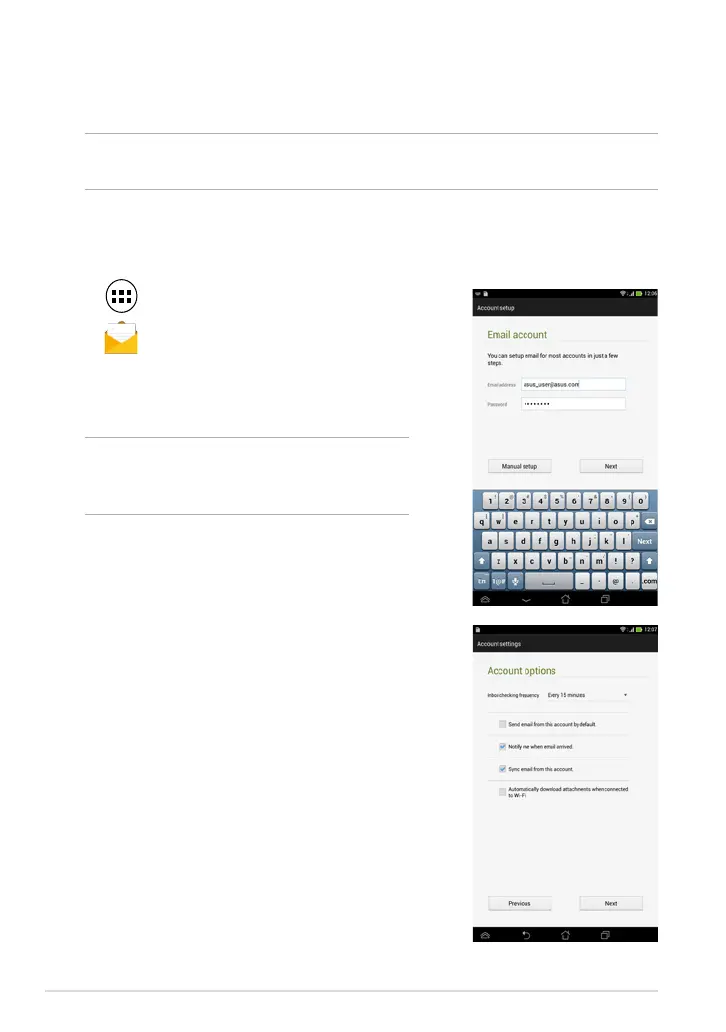
4. Congure the Account settings and tap Next.
Email
The Email app allows you to add POP3, IMAP, and Exchange accounts so you can
receive, create, and browse e-mails right from your ASUS Tablet.
IMPORTANT! You must be connected to the Internet so you can add an e-mail
account or send and receive e-mails from added accounts.
Setting up an e-mail account
To set up an e-mail account:
1. Tap
to display the All apps screen.
2. Tap
to launch the e-mail app.
3. From the Email app screen, key in your e-mail
address and password then tap Next.
NOTE: Wait while your ASUS Tablet
automatically checks your incoming and
outgoing mail server settings.



 To Next Page