ASUS Tablet E-Manual
46
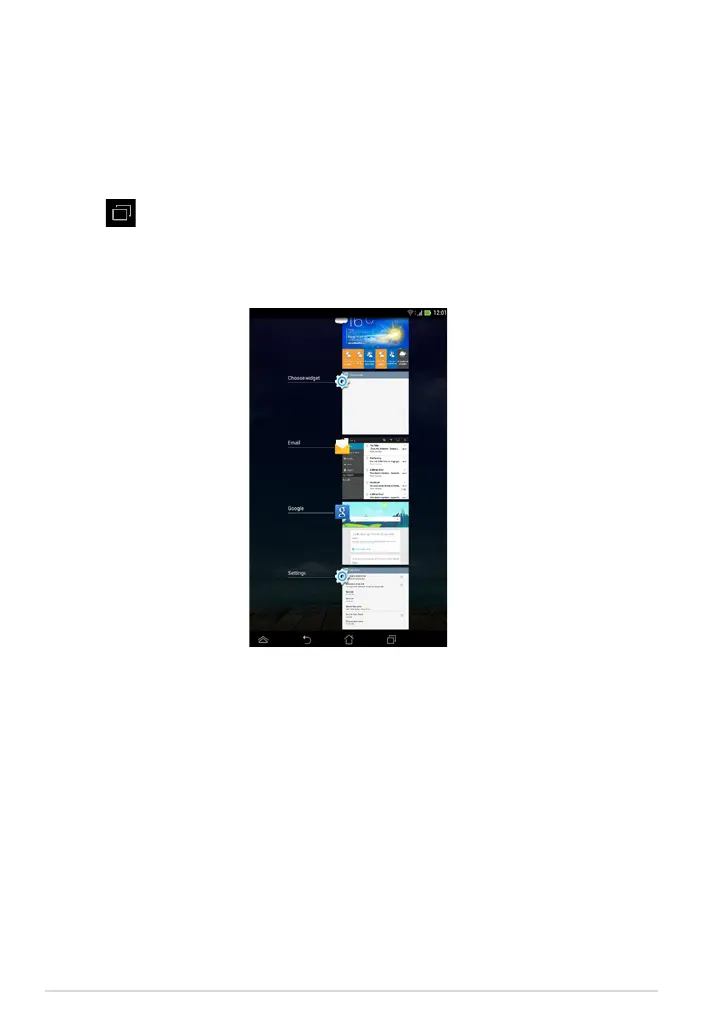
Viewing apps under the Recents screen
The Recents screen allows you to view a list of app shortcuts based from your
recently launched apps. Using the Recents screen, you can easily go back to or
switch between the apps you recently launched.
To access the Recents screen:
1. Tap on the system bar.
2. A list shows up to display all of your recently launched apps. Tap on the app
you want to launch.



 To Next Page