ASUS P3C-E User’s Manual50
4. BIOS SETUP
4. BIOS SETUP
Updating BIOS
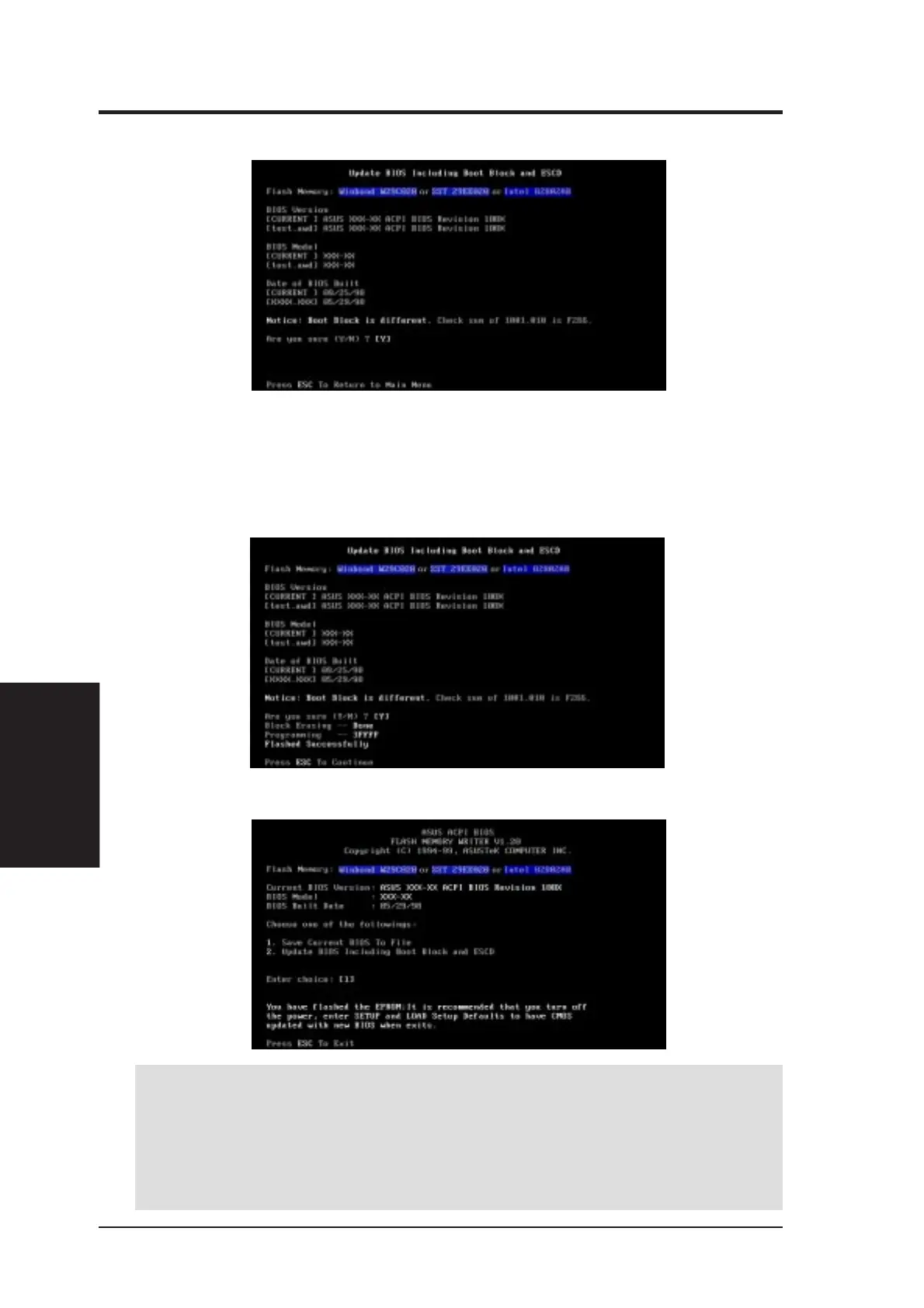
6. When prompted to confirm the BIOS update, press Y to start the update.
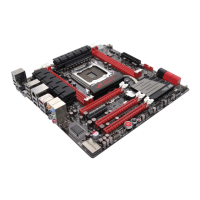
7. The utility starts to program the new BIOS information into the flash
ROM. The boot block will be updated automatically only when neces-
sary. This will minimize the chance that a failed update will prevent
your system from booting up. When the programming is finished, Flashed
Successfully will be displayed.
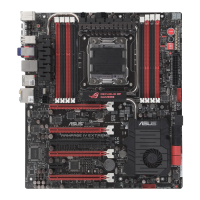
8. Follow the onscreen instructions to continue.
WARNING! If you encounter problems while updating the new BIOS, DO NOT
turn OFF your system since this might prevent your system from booting up. Just
repeat the process, and if the problem still persists, update the original BIOS file
you saved to disk above. If the Flash Memory Writer utility was not able to
successfully update the BIOS file, your system may not be able to boot up. If this
happens, your system will need servicing.







 To Next Page