89
5. SOFTWARE SETUP
P3C-E User’s Manual
5. S/W SETUP
Windows 98
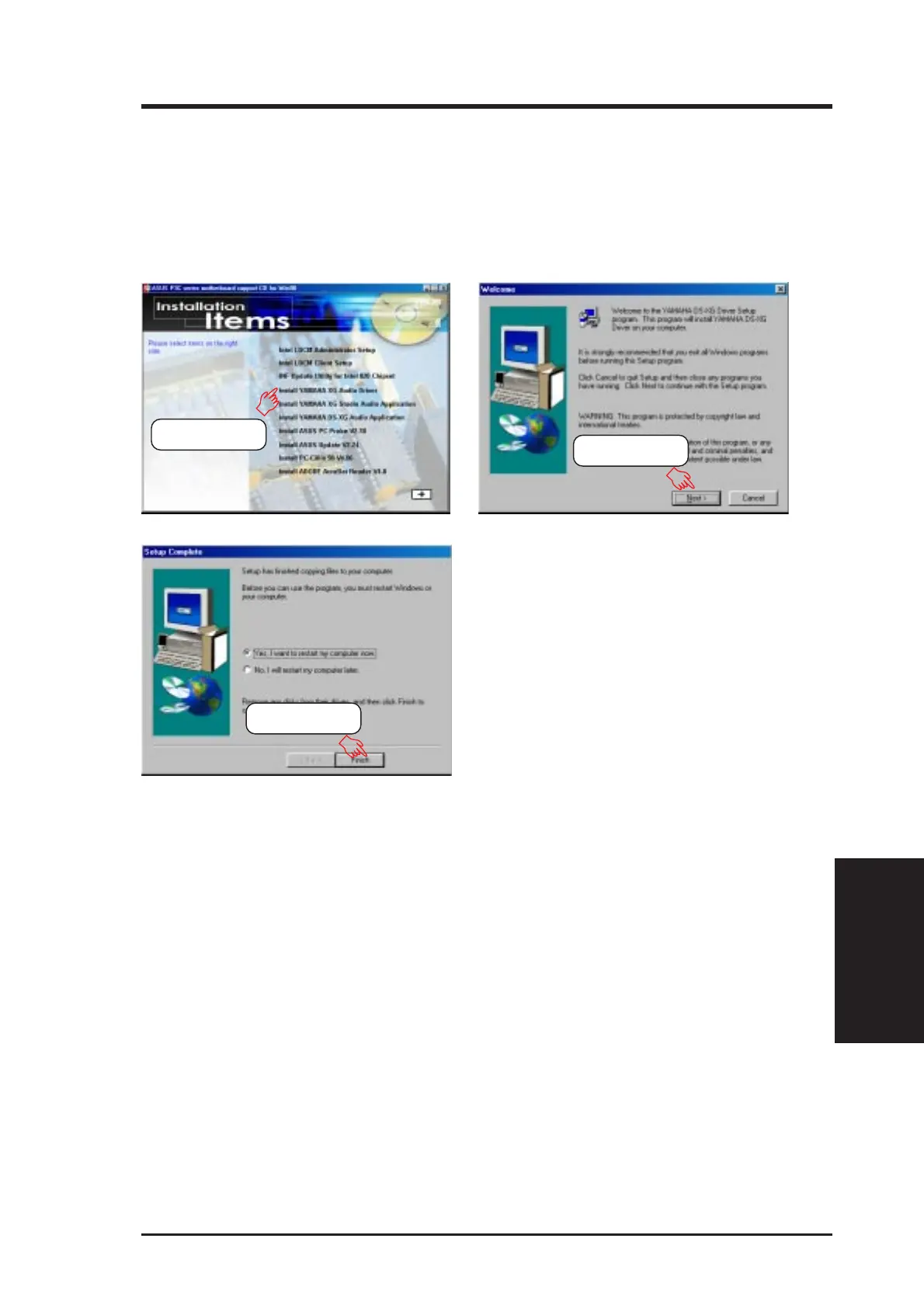
5.6 Install YAMAHA XG Audio Driver (VxD)
(only with onboard audio option)
Insert the Support CD that came with your motherboard into your CD-ROM drive
or double-click the CD drive icon in My Computer to bring up the setup screen.
NOTE: You may choose to restart your computer later when this option is of-
fered, especially if you still want to install other drivers and/or software. You
may not, however, be able to use immediately the devices associated with the
drivers or software because these drivers need to be enabled. These drivers are
enabled when Windows starts/restarts.
(1) Click here.
(2) Click here.
(3) Click here.







 To Next Page