68
ASUS Xonar Phoebus
(2) Click the Advanced tab and click the dropdown list to open default
format support list as shown in the diagram below.
(3) Follow the same step to change the sample rate & bit rate for
Microphone device.
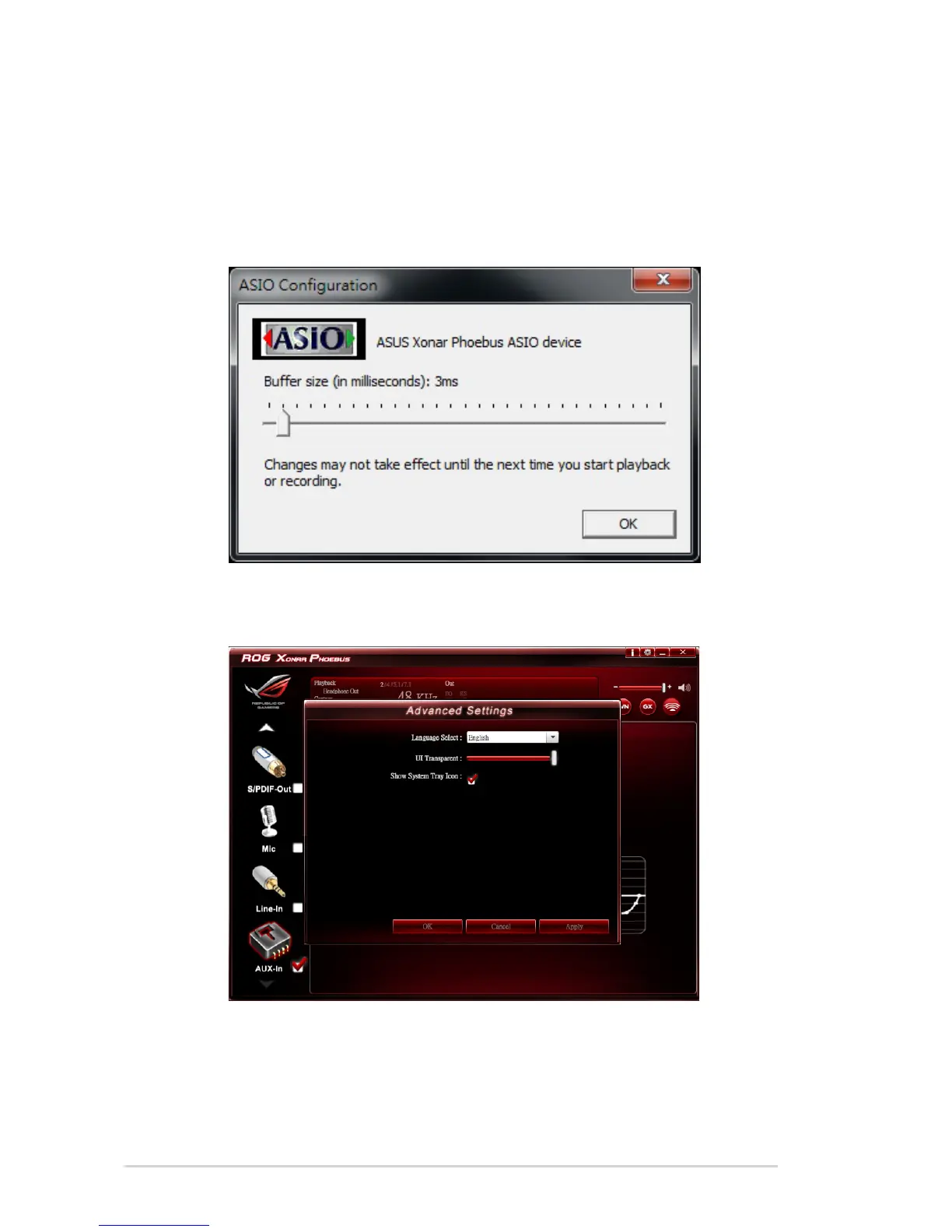
6. Open ASIO: Click to open ASIO.
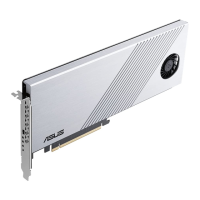
7. Settings: Click setting to launch the Advanced Settings page as shown
below.
(1) Language Select: Change the UI language.
(2) UI Transparent: Adjust the UI vision of transparent.
(3) Show System Tray Icon: Check Show System Tray Icon box to show
the Xear Audio center icon in the system tray.
8. Exit: Click Exit to exit the tray Icon from the system tray.


 To Next Page