14
RT-N10U Chapter 2: Setting up your wireless networkr
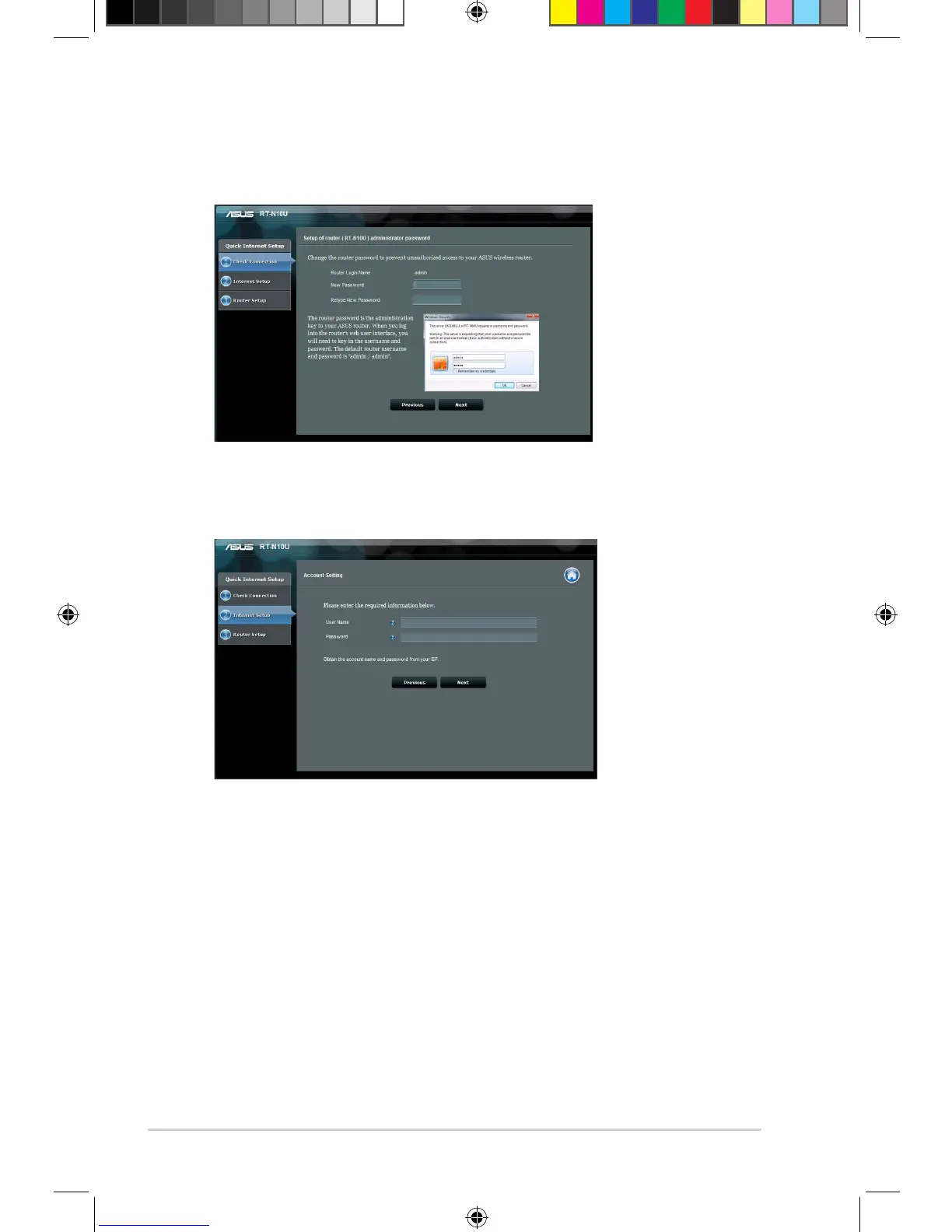
2. Use the default username (admin) and password (admin) to log into the user
interface.
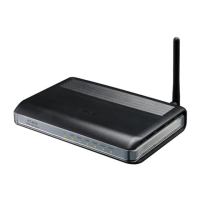
3. The wireless router automatically detects if your ISP connection type is
Dynamic IP, PPPoE, PPTP, L2TP, and Static IP. Key in the necessary
information for your ISP connection type.


 To Next Page