31
RT-N10UChapter 4: Network conguration using the web GUI
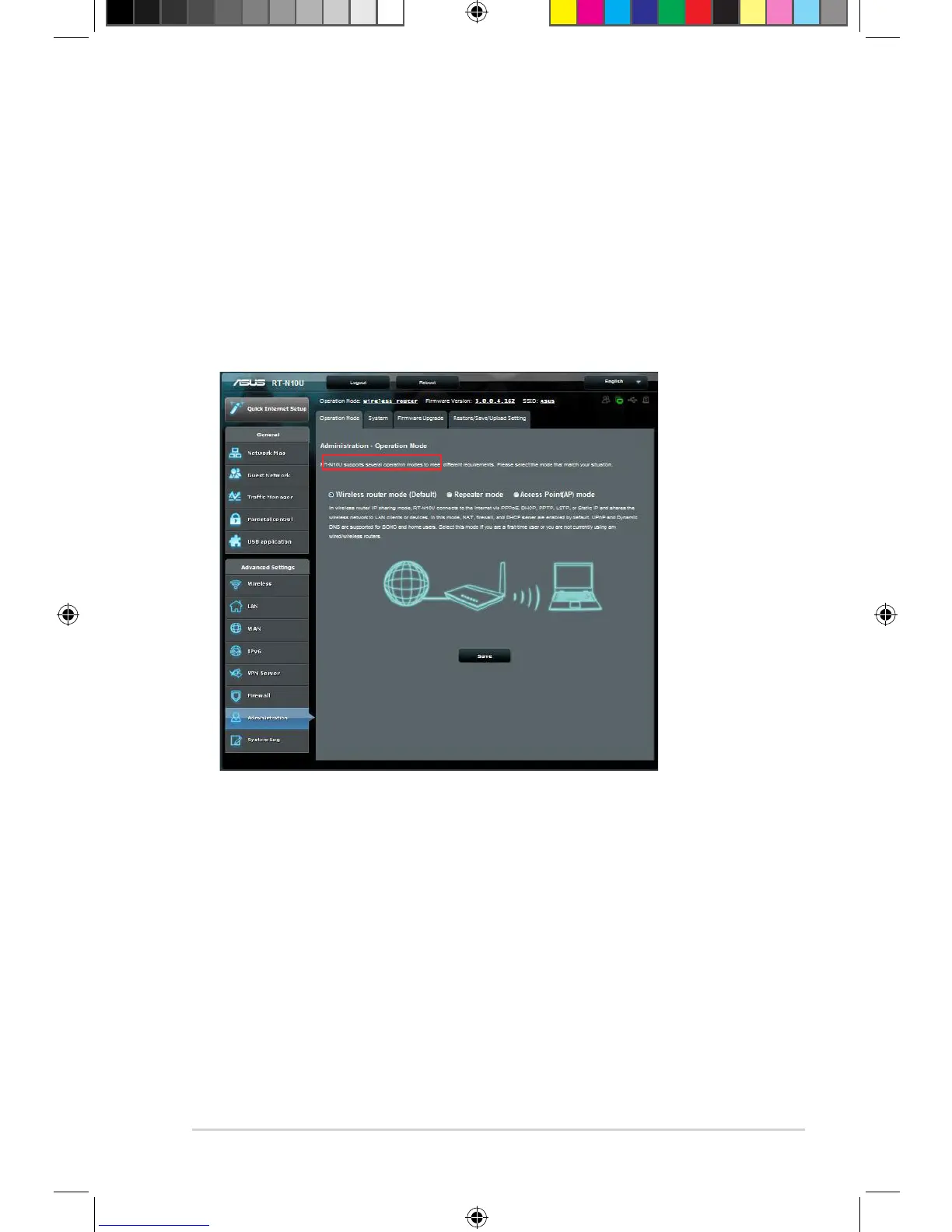
Administration - Operation Mode
The Operation Mode page allows you to set up your wireless router into any of the
three modes: Router mode, Repeater mode, or Access Point mode.
Router Mode
To set up the wireless router in Router mode:
1. Click Administration on the navigation panel and click the Operation Mode
tab. Select Wireless router mode. Click Save.
2. Select your connection from these types of ISP services: Dynamic IP, PPPoE,
PPTP, L2TP, and Static IP.
3. Key in the required information of your selected connection type.
4. Click Apply to save settings.


 To Next Page