47
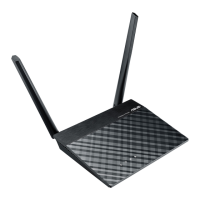
RT-N10UChapter 4: Network conguration using the web GUI
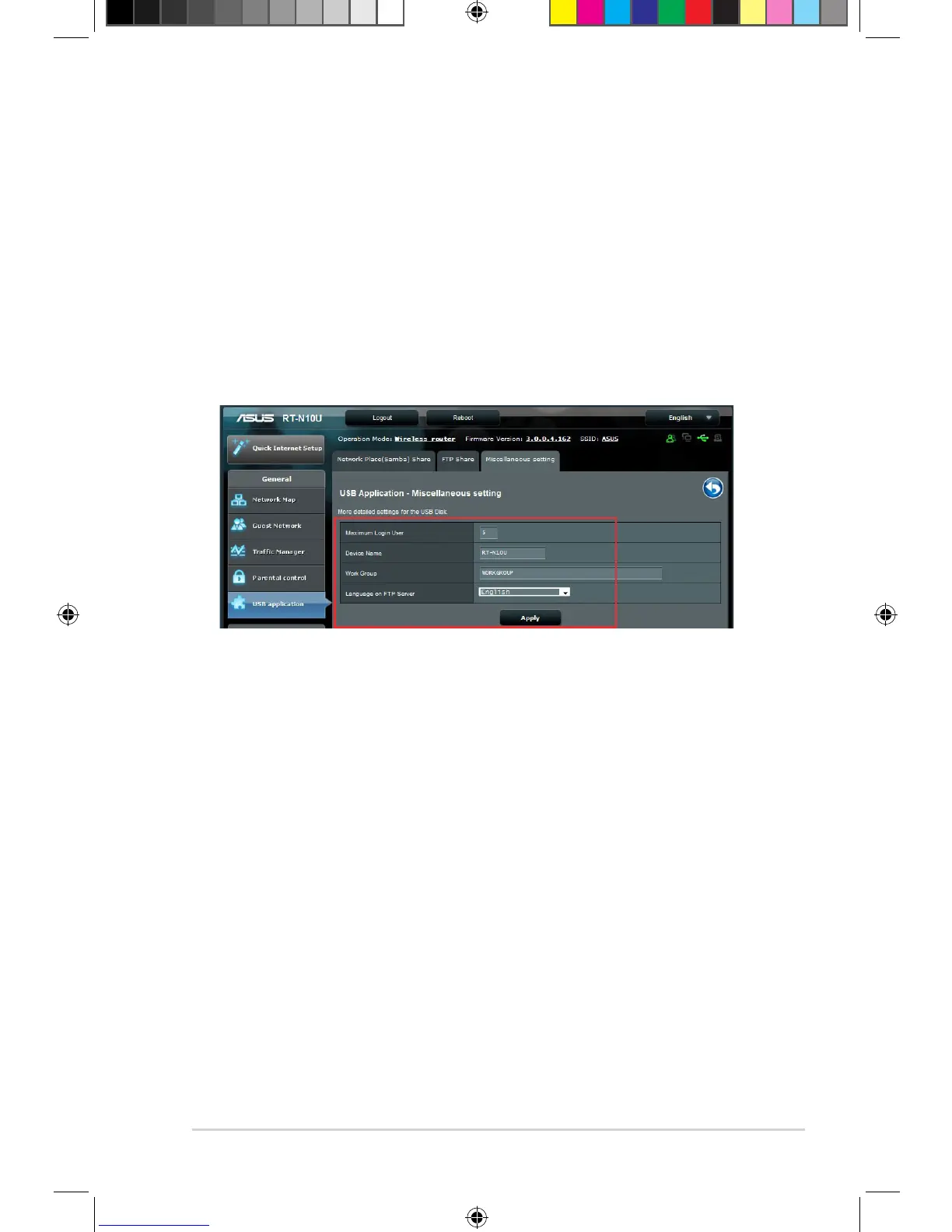
Using the Miscellaneous setting
The Miscellaneous settings page allows you to congure additional properties for
the USB disk. You can change the maximum number of users who can access
the USB storage device, assign a device name and work group, or specify the
language settings for the FTP server.
To configure additional USB device settings:
1. Click USB application on the left navigation panel and click Servers Center.
2. Click the Miscellaneous setting tab.
3. Specify or change conguration settings as needed.
3. Click Apply.


 To Next Page