46
RT-N10U Chapter 4: Network conguration using the web GUI
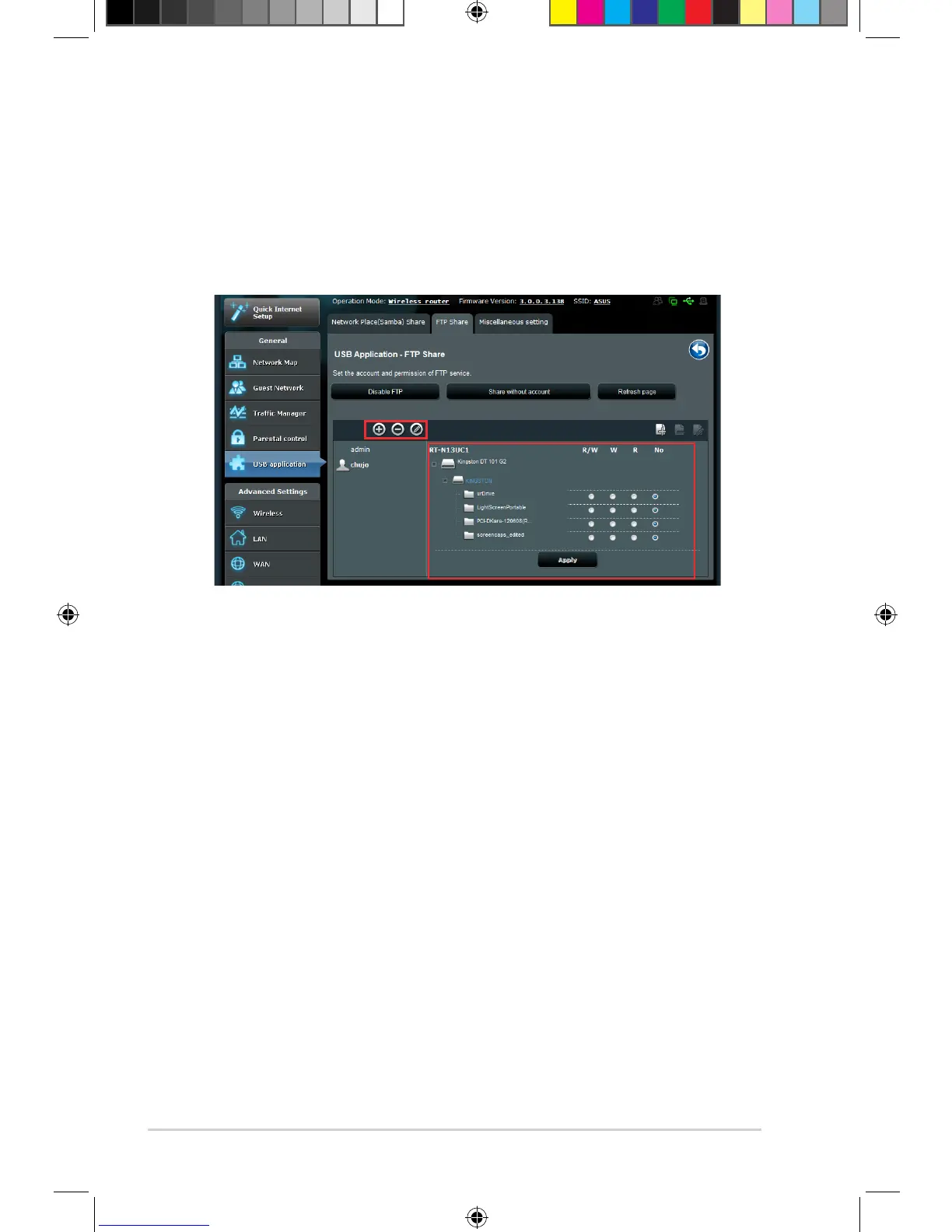
9. Click Apply.
10. To access the FTP server from a client on the network, key in ftp://
<hostname>.asuscomm.com on a web browser or a third-party FTP utility.
Once prompted, key in the account username and password.
8. Select the type of access rights for the storage device:
• R/W: Select this option to assign read/write access for a specic le/folder.
• W: Select this option to assign write only access for a specic le/folder.
• R: Select this option to assign read only access for a specic le/folder.
• No: Select this option if you do not want to share a specic le/folder.



 To Next Page