21
NOTES:
• The auto-detection of your ISP connection type takes place
when you congure the wireless router for the rst time or
when your wireless router is reset to its default settings.
• If QIS failed to detect your Internet connection type, click
Skip to manual setting (see the screen capture in step 1)
and manually congure your connection settings.
• If QIS failed to launch automatically, manually launch your
wireless router's web GUI to access the QIS page. To do this,
follow these steps:
• On your web browser, key in http://192.168.1.1
• On the login page, key in the default username admin
and password admin.
• Click GO in the Quick Internet Setup eld under
Internet status in the Network Map page.
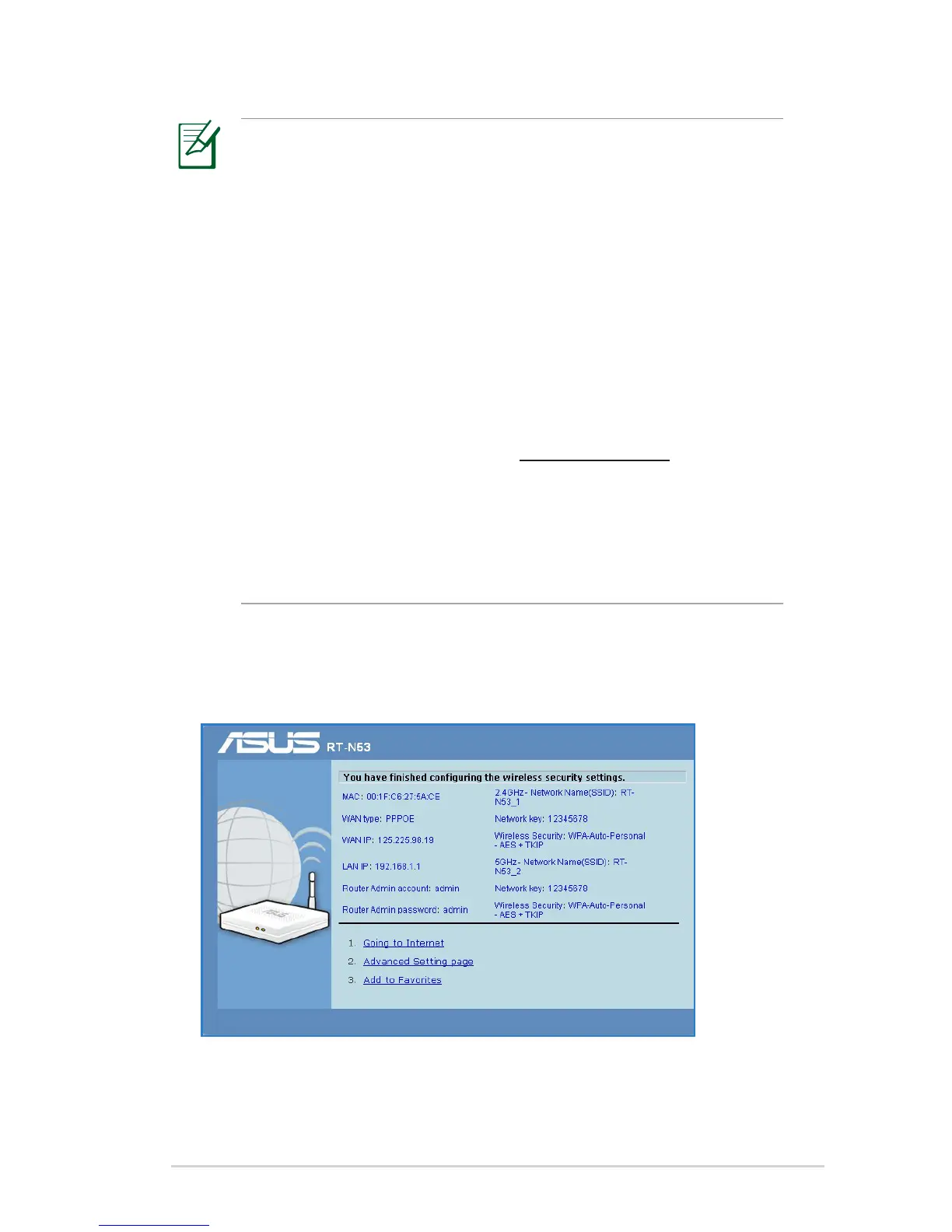
3. Internet connection setup is done.


 To Next Page