36
5 Troubleshooting
NOTE: If you encounter problems that are not mentioned in
this chapter, contact the ASUS Technical Support.
Troubleshooting
Icannotaccessawebbrowserforconguringtherouter.
• Delete the cookies and les in your web browser. To do this,
follow these steps:
1. Launch your web browser, then click Tools > Internet
Options...
2. Under Temporary Internet les, click Delete Cookies...
and Delete Files...
NOTE: The commands for deleting cookies and les vary
with the web browser.
• Disable the proxy server settings, cancel the dial-up
connection, and set the TCP/IP settings to obtain IP addresses
automatically. For more details, refer to the section Before
you proceed in this user manual.
Theclientcannotestablishawirelessconnectionwith
therouter.
Out of Range:
• Put the router closer to the wireless client.
• Try to change the channel settings.
Authentication:
• Use wired connection to connect to the router.
• Check the wireless security settings.
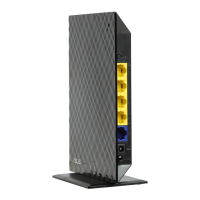
• Press the Reset button at the back side for more than ve
seconds.


 To Next Page