22
Select your next preferred task from any of these options:
1. Going to Internet: Click to start surng the Internet
or do Internet-related activities such as chat, or read/
write e-mail messages.
2. Advanced Setting page: Click to go to the wireless
router’s Advanced Setting page and congure more
advanced wireless settings.
3. Add to Favorites: Click to go add the router’s web
interface to your Favorites.
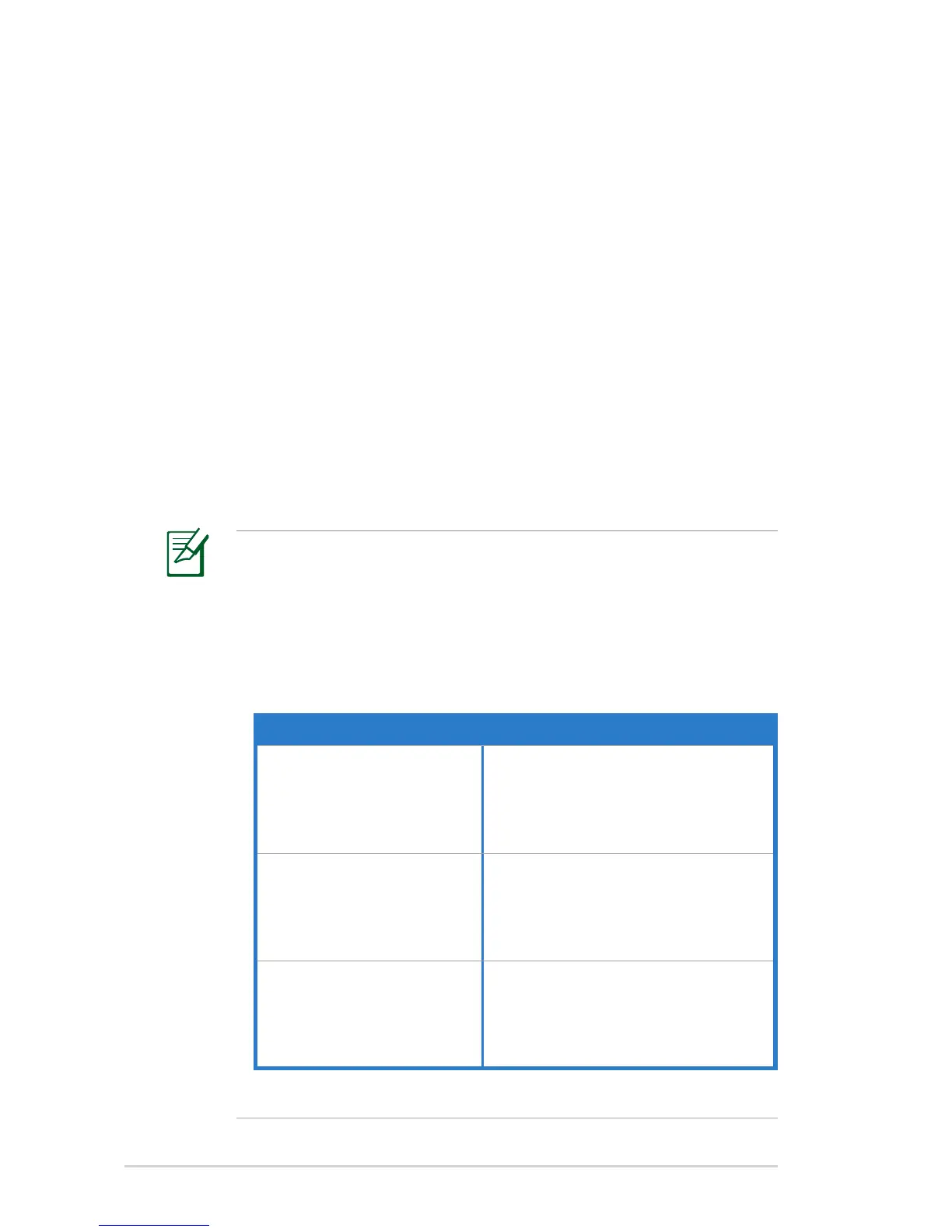
NOTES:
• Ensure that you use a wireless LAN adapter with WPS
function on your network clients.
• Windows
®
operating systems and wireless LAN cards/
adapters that support WPS:
OS Support Wireless Adapter Support
Windows Vista 32/64
Windows 7 32/64
Windows 2008
ASUS/Intel wireless LAN card (except
WL-167g and WL-160W)
ASUS WL-167g v2 driver v.3.0.6.0 or
later
ASUS WL-160N/WL-130N driver
v.2.0.0.0 or later
Windows XP SP2/SP3
Windows 2003 32-bit
SP2/SP3
ASUS/Intel wireless LAN card (not
support WL-167g and WL-160W)
ASUS WL-167g v2 driver v.1.2.2.0 or
later
ASUS WL-160N/WL-130N driver
v.1.0.4.0 or later
Windows XP/2003 64-bit
Windows XP 32-bit SP1/ XP
32-bit
Windows 2003 32-bit SP1 /
2003 32-bit
Windows 2000 SP4
ASUS wireless LAN card with ASUS
WLAN Utility
ASUS WL-167g v2 driver v.1.2.2.0 or
later
ASUS WL-160N/WL-130N driver
v.1.0.4.0 or later
Using Wi-Fi Protected Setup (WPS)
WPS (Wi-Fi Protected Setup) allows you to set up a secure and
protected wireless network easily.


 To Next Page