71
• Enable wildcard: Enable wildcard if your DDNS service
requires one.
NOTES:
DDNS service will not work under these conditions:
• WhenthewirelessrouterisusingaprivateWANIPaddress(192.168.
x.x, 10.x.x.x, or 172.16.x.x), as indicated by a yellow text.
• TheroutermaybeonanetworkthatusesmultipleNATtables.
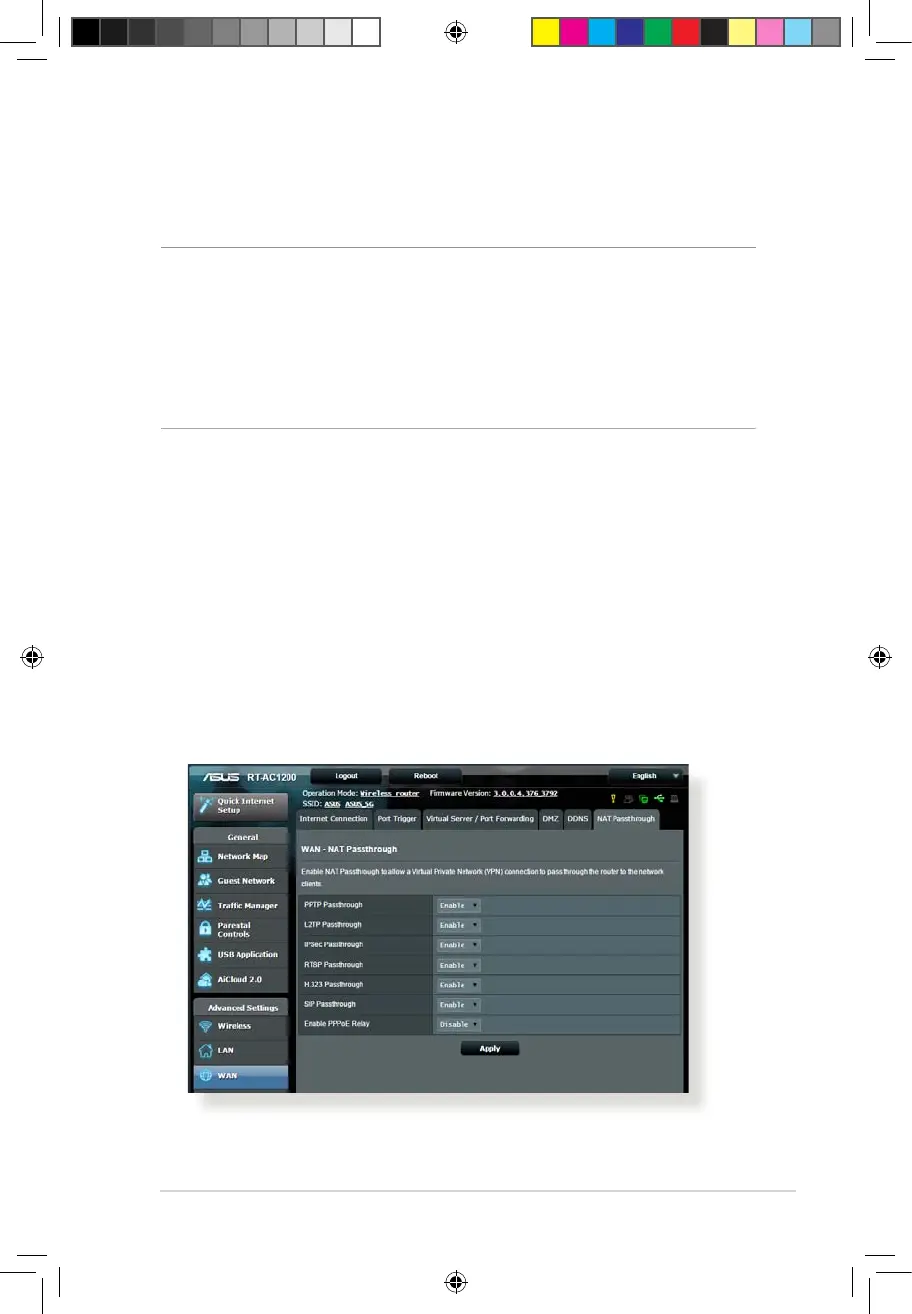
4.3.6 NAT Passthrough
NAT Passthrough allows a Virtual Private Network (VPN)
connection to pass through the router to the network clients.
PPTP Passthrough, L2TP Passthrough, IPsec Passthrough and RTSP
Passthrough are enabled by default.
To enable / disable the NAT Passthrough settings, go to the
Advanced Settings > WAN > NAT Passthrough tab. When done,
click Apply.
E10170_RT-AC1200_Guide.indd 71 2015/4/29 15:48:32



 To Next Page