93
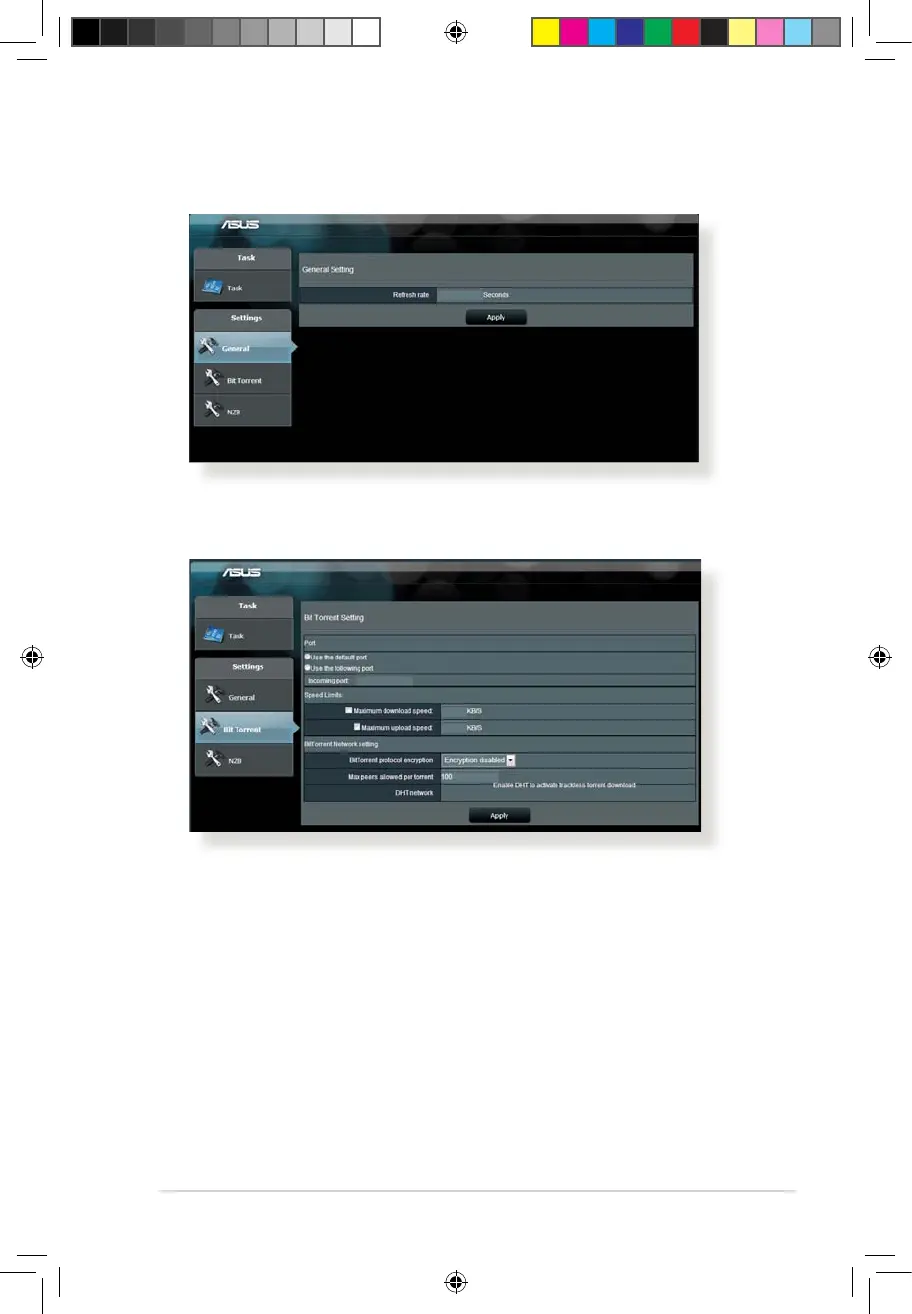
5. Use the navigation panel to congure the advanced settings.
To congure BitTorrent download settings:
1. From Download Master’s navigation panel, click Bit Torrent to
launch the Bit Torrent Setting page.
2. Select a specic port for your download task.
3. To prevent network congestion, you can limit the maximum
upload and download speeds under Speed Limits.
4. You can limit the maximum number of allowed peers and
enable or disable le encryption during downloads.
5.4.1 Conguring Bit Torrent download settings
E10170_RT-AC1200_Guide.indd 93 2015/4/29 15:48:35


 To Next Page