RX3141 User’s Manual Chapter 5 Router Connection Setup
25
5.2 WAN Configuration
This section describes how to configure WAN settings for the WAN interface on the RX3141 that
communicates with your ISP. You’ll learn to configure IP address, DHCP and DNS server for your WAN in this
section.
5.2.1 WAN Connection Mode
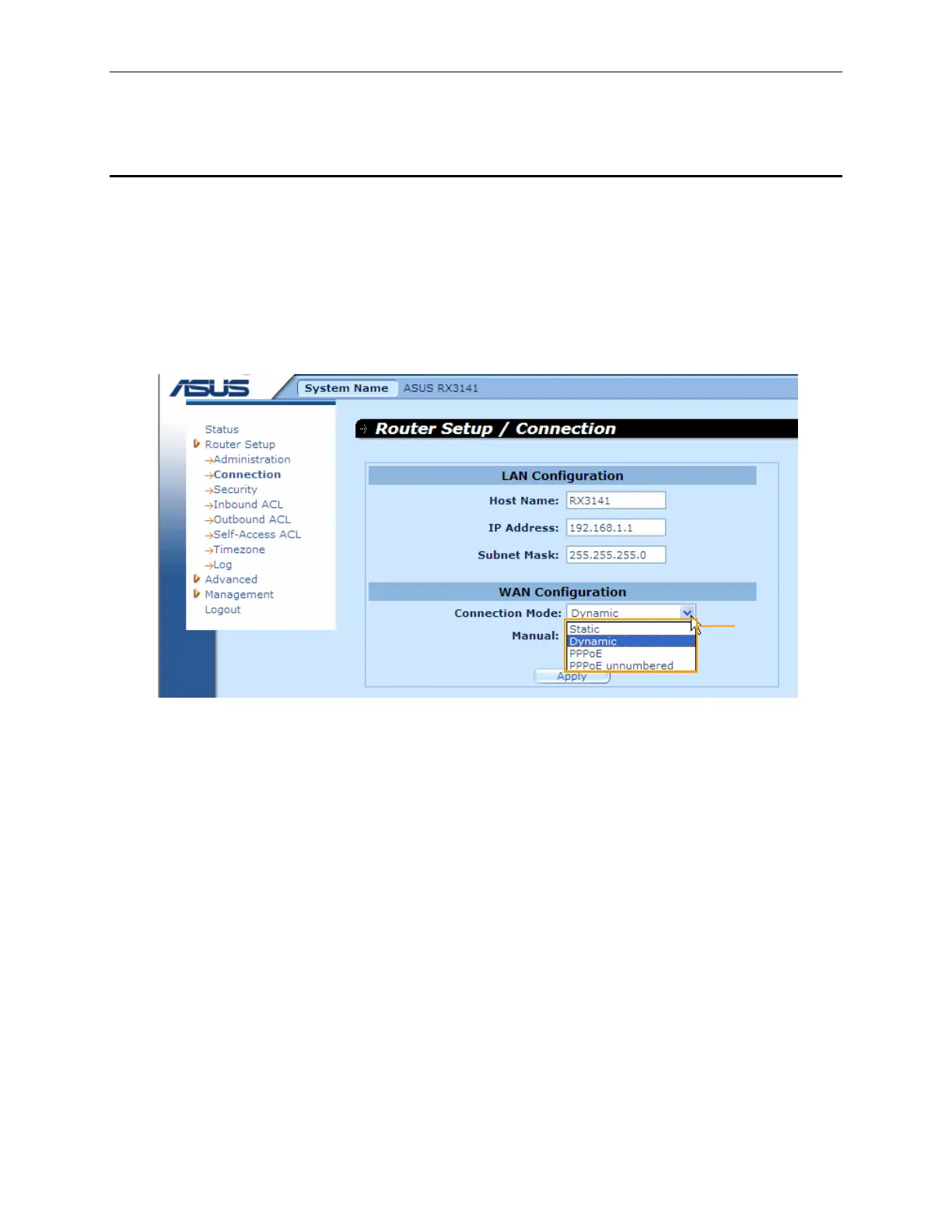
Four modes of WAN connection are supported by the RX3141 – PPPoE (multi-session), PPPoE unnumbered,
dynamic IP and static IP. You may select one of the WAN connection modes required by your ISP from the
Connection Mode drop-down list in Network Setup Configuration page as shown in Figure 5.2.
Figure 5.2. Network Setup Configuration Page – WAN Configuration
Connection
Mode drop-
down list


 To Next Page