RX3141 User’s Manual Chapter 11. System Management
77
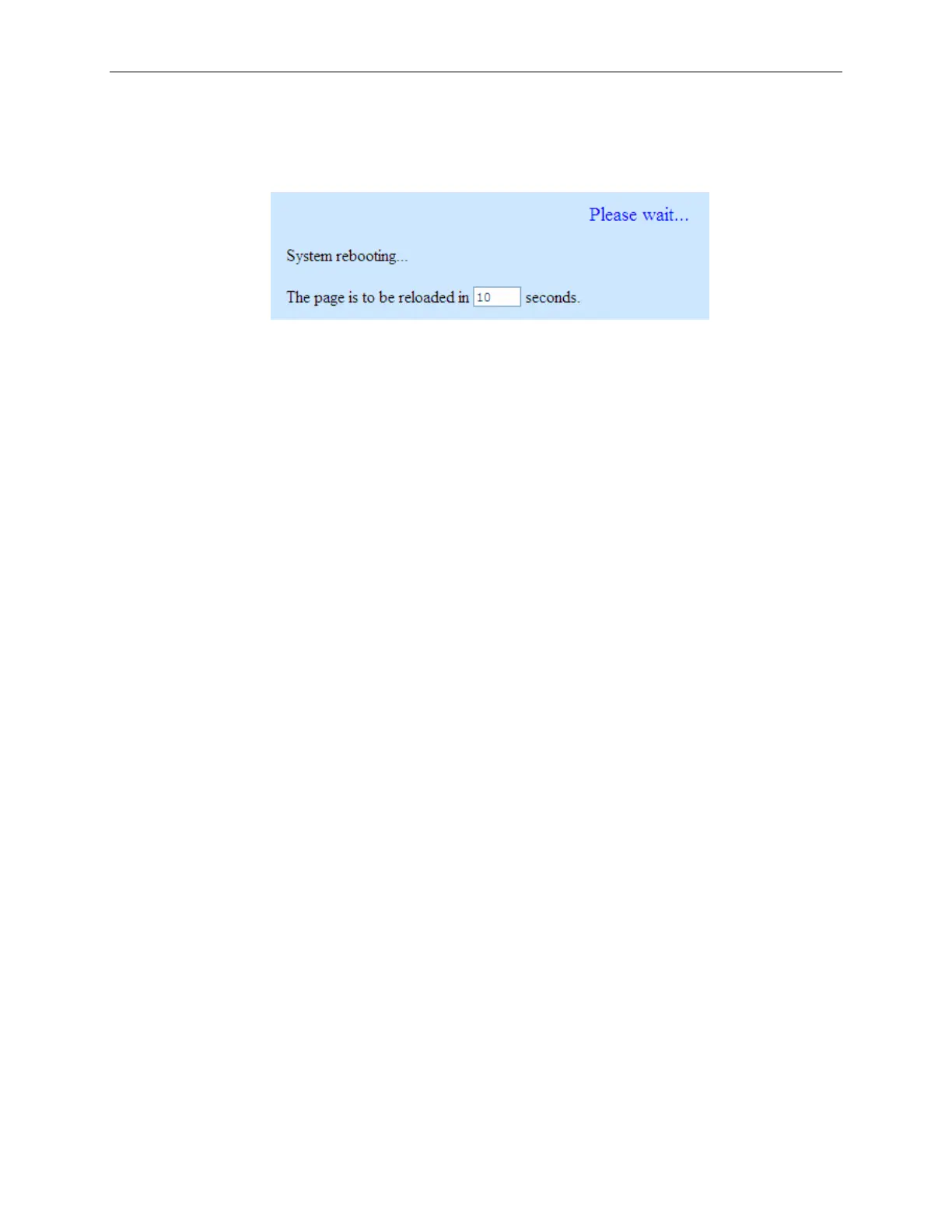
5. A count down timer will display, as shown in Figure 11.11, after the firmware upgrade is
completed. You’ll be reconnected back to RX3141 when the counter returns to zero. You may
need to manually connect back to the RX3141 if you are not connected back to RX3141
automatically.
Figure 11.11. Firmware Upgrade Count Down Timer
6. When you are reconnected to the RX3141, click
Status menu to check if the new firmware is
properly upgraded. Note that you probably need to clear the cache of your web browser to see
the new System Information page. Following is the procedure to clear the browser cache for
Microsoft Internet Explorer:
a) Click on “Tools” menu
b) Click on “Internet Options…” menu
c) Click on “Delete Files…” button to clear the browser cache.


 To Next Page