Using the WPS Wizard
WPS Wizard is a utility that allows you to easily set up your wireless network using
any of the following:
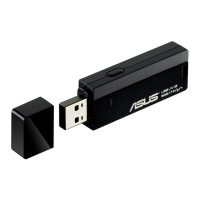
• WPS button on both the 802.11n network adapter and the router (or Access
Point) that you want to connect to.
• PIN code of the WPS router or AP that you want to connect to.
Launching the WPS Wizard
To launch the WPS Wizard:
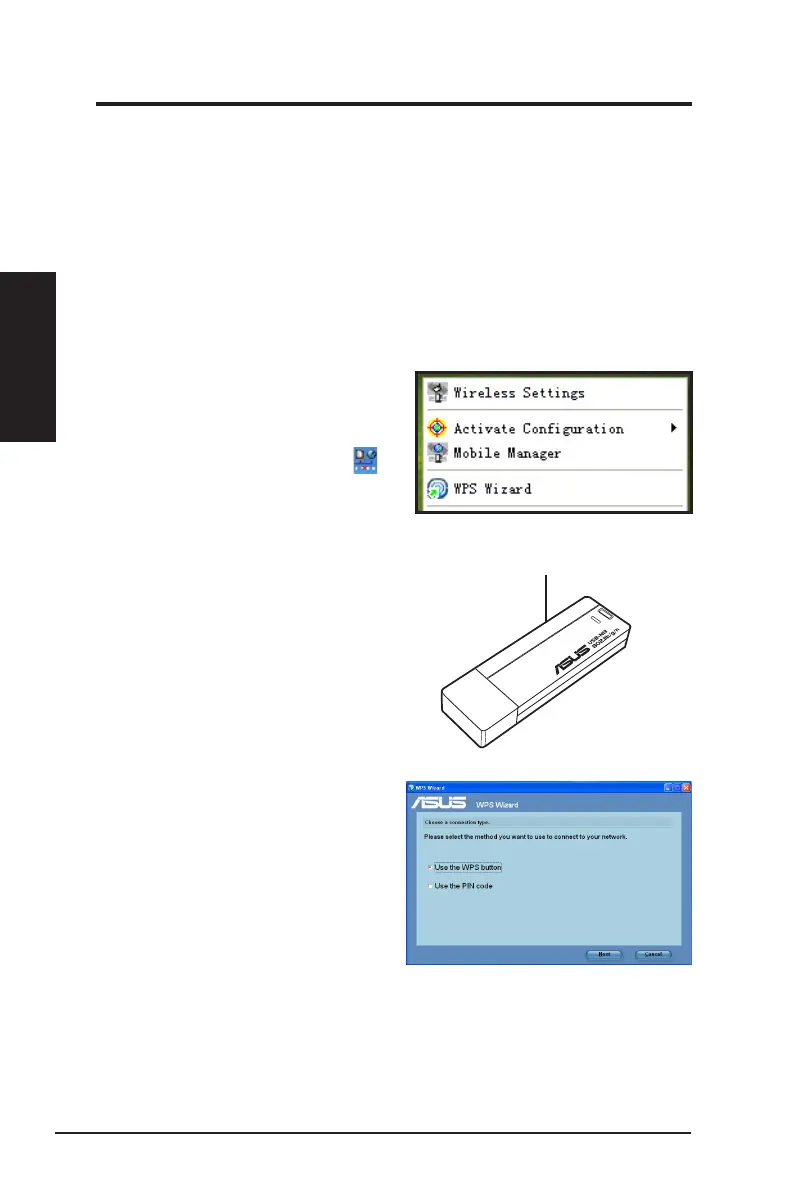
1. Do any of the following to launch
the WPS Wizard:
• From the Windows
®
taskbar,
right-click the WLAN icon ,
then select
WPS Wizard
.
• Click
Start
>
ASUS Utility
>
WLAN Card
>
WPS Wizard
to
launch the WPS Wizard.
• Press the WPS button on your
network adapter.
2. The WPS Wizard appears. Select
the method that you want to use to
connect to the network.
Chapter 2
14 ASUS Network adapter
Chapter 2 - Installation
Installation
WPS
button


 To Next Page