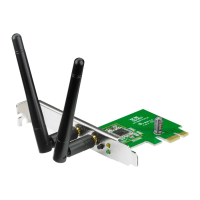
6. Click the
Connection
tab to view
the signal strength. Click
OK
to exit
the utility.
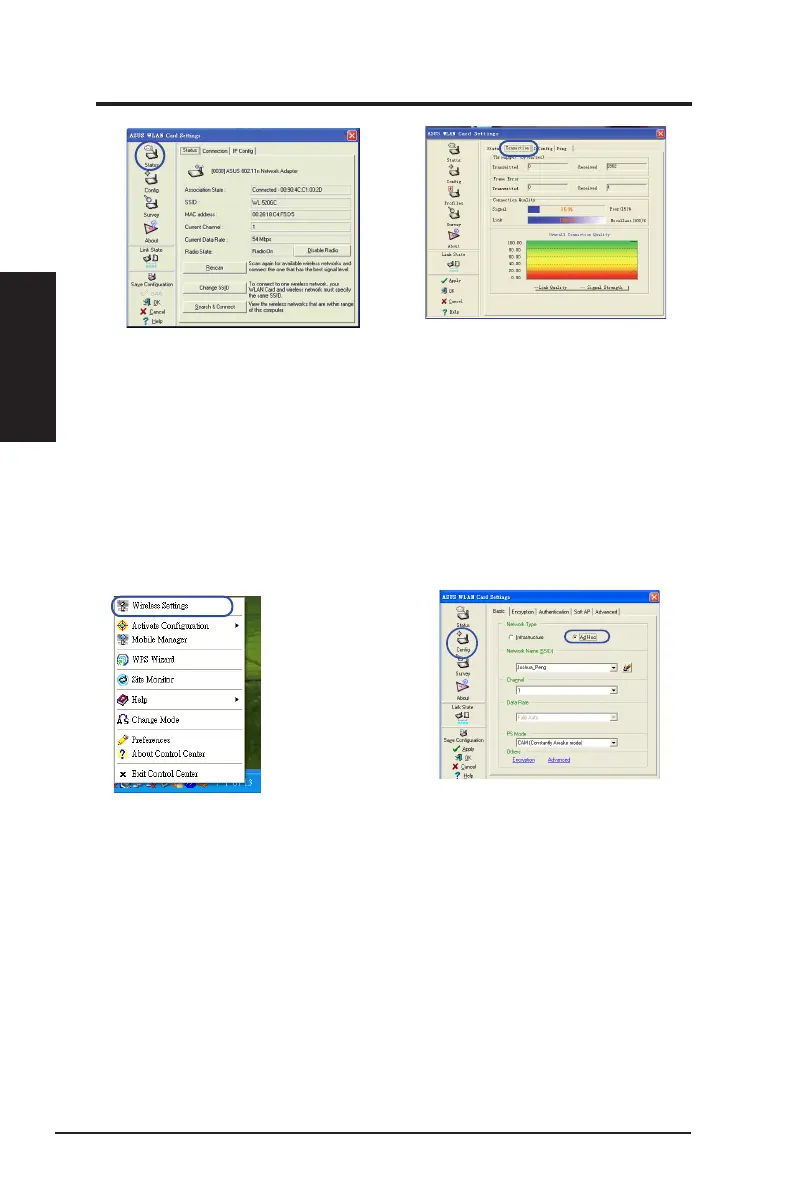
5. Click
Status
to view the association
state. If connection is established,
the box shows “
Connected - xx:
xx:xx:xx:xx:xx
”.
Conguring with the WLAN utility (Ad Hoc)
The network adapter supports Ad Hoc mode that allows communication between
wireless stations without an AP.
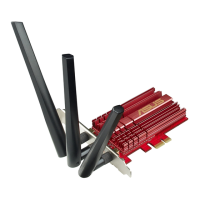
2. Click
Config
and set the network
adapter to
Ad Hoc
connection mode.
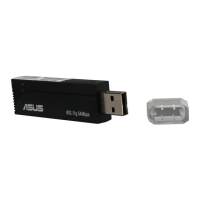
1. Right-click the wireless connection
icon and select
Wireless Settings.
Chapter 2
24 ASUS Network adapter
Chapter 2 - Installation
Installation


 To Next Page