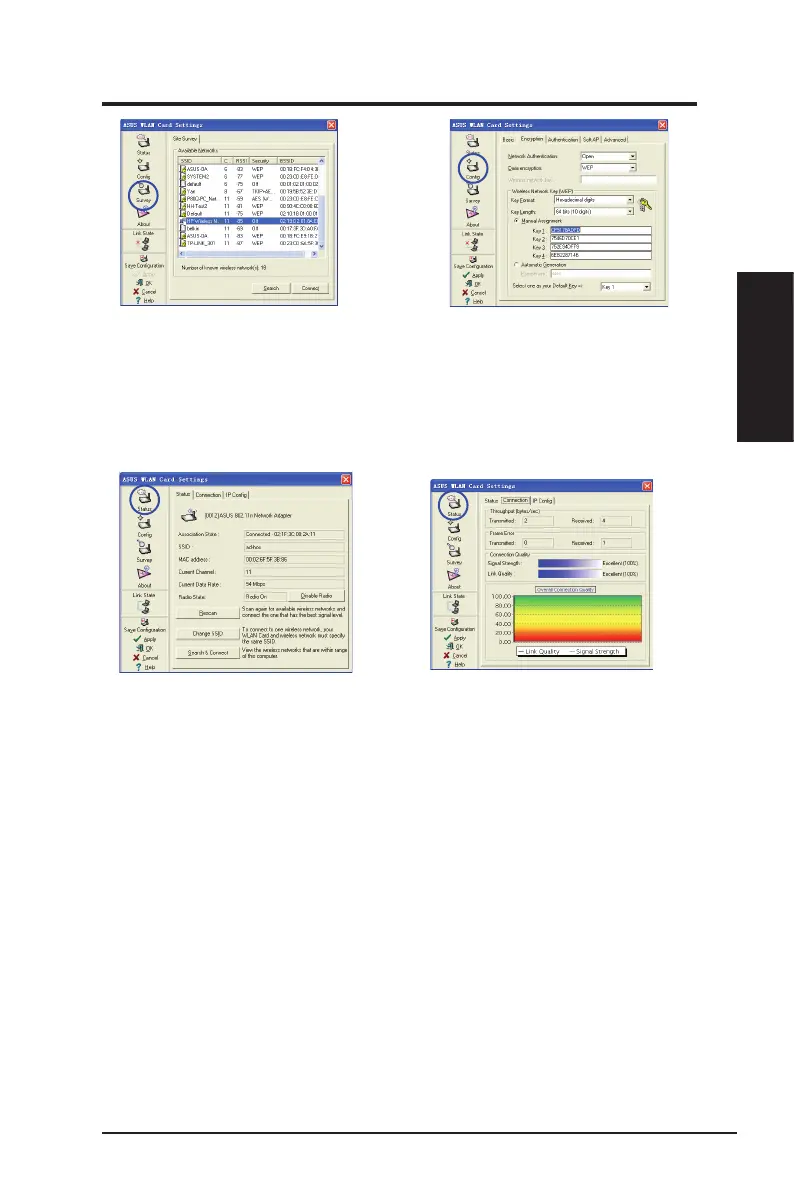
3. Click
Survey
to scan for Ad Hoc
nodes. Select the node you want to
communicate with and click
Connect
.
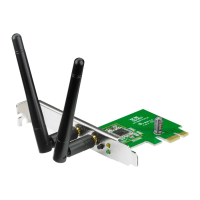
4. If the encryption settings of your
network adapter are different from
those of the other Ad Hoc nodes, you
are prompted to make the encryption
of the two nodes identical. Click
Apply
to activate the settings.
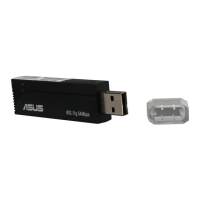
5. Click
Status
to view the association
state. If connection is established, the
box shows “
Connected - xx:xx:xx:xx:
xx:xx
”.
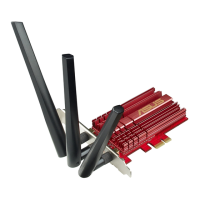
6. Click the
Connection
tab to view the
signal strength. Click
OK
to exit the
utility.
ASUS Network adapter 25
Chapter 2 - Installation
Chapter 2
Installation



 To Next Page