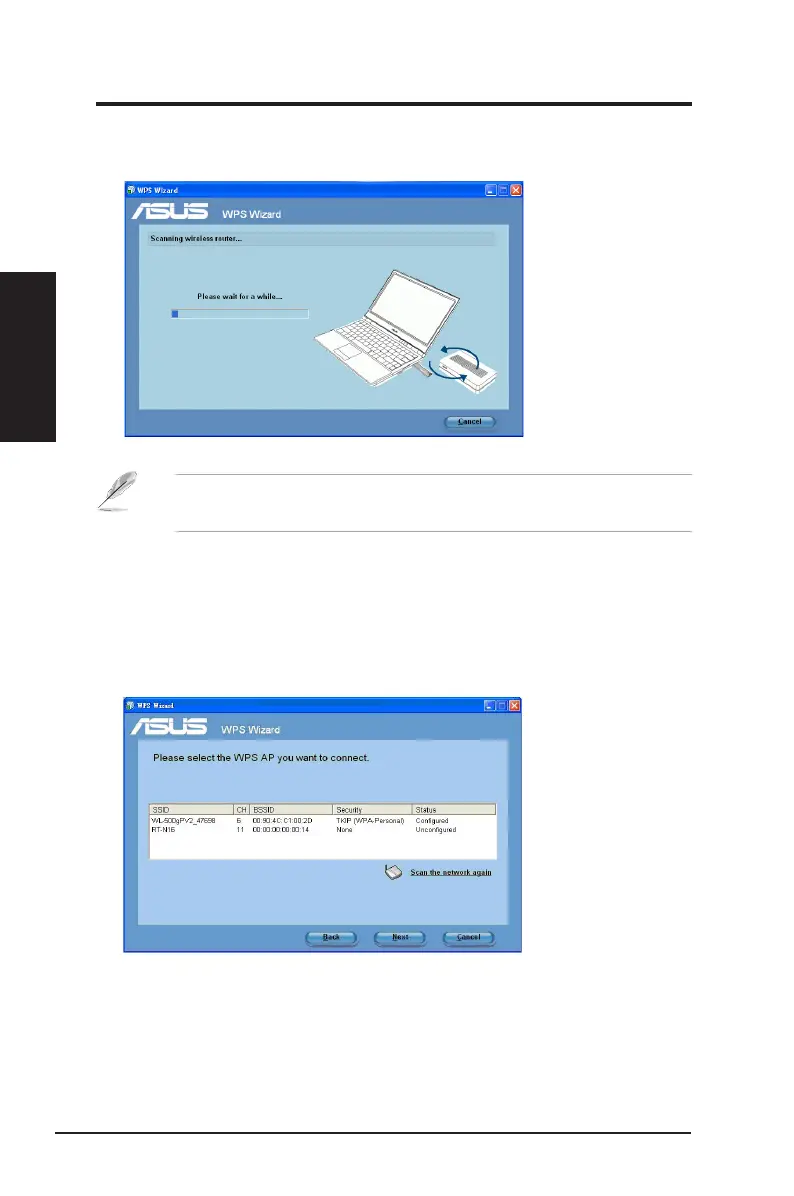
3. The 802.11n network adapter searches for the wireless router. When done,
click
Next
and follow the succeeding onscreen instructions.
Connecting via the PIN code
1. From the WPS Wizard, select
Use the PIN code
. Click
Next
.
2. Select the router that you want to connect to. The router's status is displayed
as either
Congured
(with security settings) or
Uncongured
(without security
settings).
Note
: If WPS conguration failed, move your computer closer to the
router then try again.
Chapter 2
16 ASUS Network adapter
Chapter 2 - Installation
Installation


 To Next Page