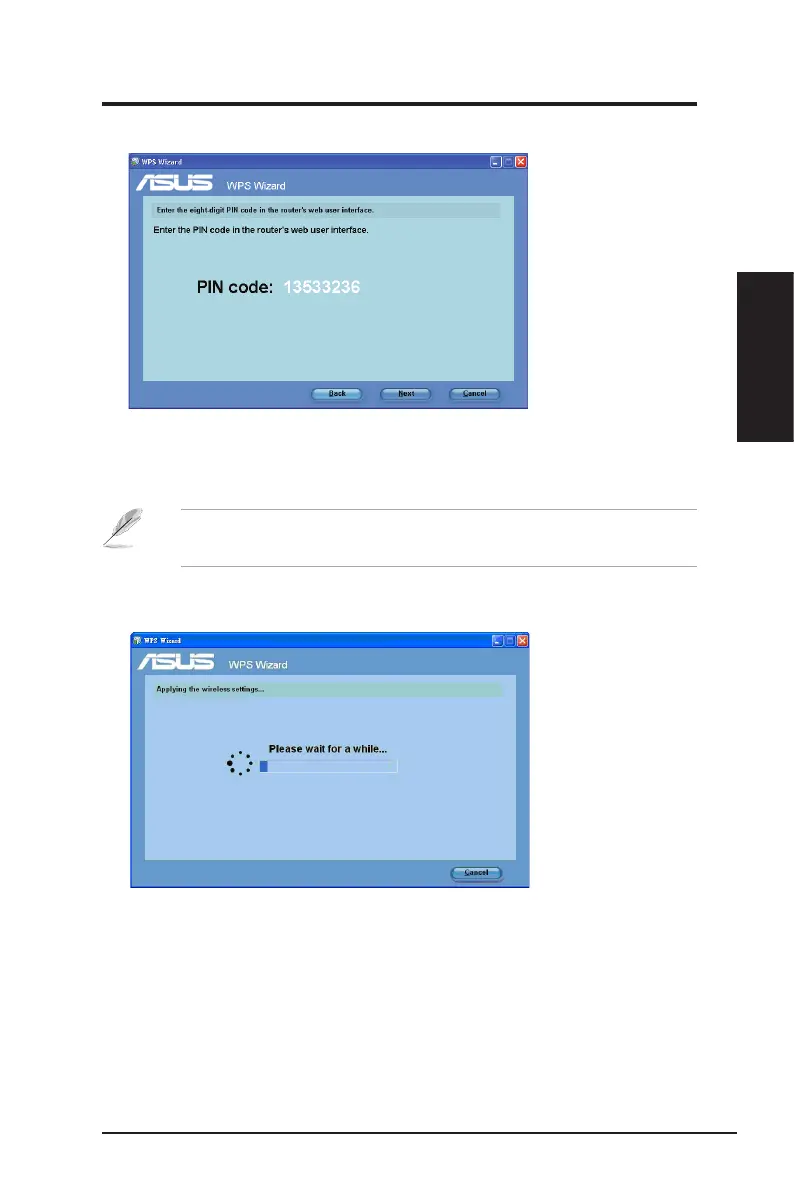
3. Click
Next
. The router's PIN code is displayed.
4. If your selected router’s status is
Configured
, key in the PIN code in the
router's web user interface.
Note
: If your selected router's status is
Uncongured
, proceed to the
section
Using the PIN code on an uncongured router
.
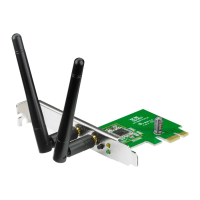
5. Wait until the WPS Wizard nishes applying the wireless settings.
ASUS Network adapter 17
Chapter 2 - Installation
Chapter 2
Installation


 To Next Page