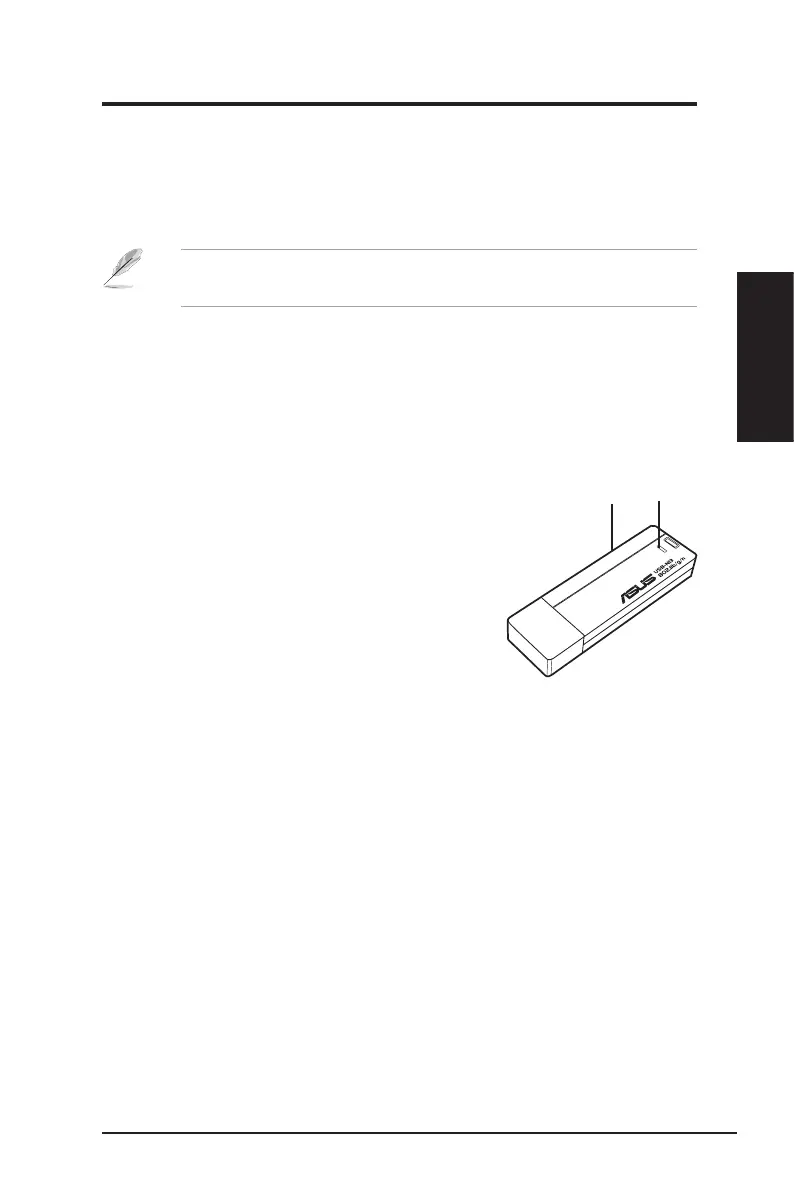
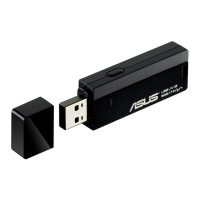
LED
WPS
button
Note: Obtain the Linux source code from the support CD and build the
driver for the Linux OS that you are using.
ASUS Network adapter 13
Chapter 2 - Installation
Chapter 2
Installation
Installing the driver in Linux OS
To install the driver in Linux OS:
• Refer to the
README
text le in the Linux zipped le included in the support
CD.
The status indicators
The device comes with one LED to indicate the status of the Network adapter, and
one button for WiFi Protected Setup (WPS).
LED
ON: Connected to wireless device.
Blinking: Transmitting data. The blinking speed
indicates the link speed.
OFF: Adapter is disabled.
Button
WPS Push Button: Enable WPS mode.


 To Next Page