Splendid
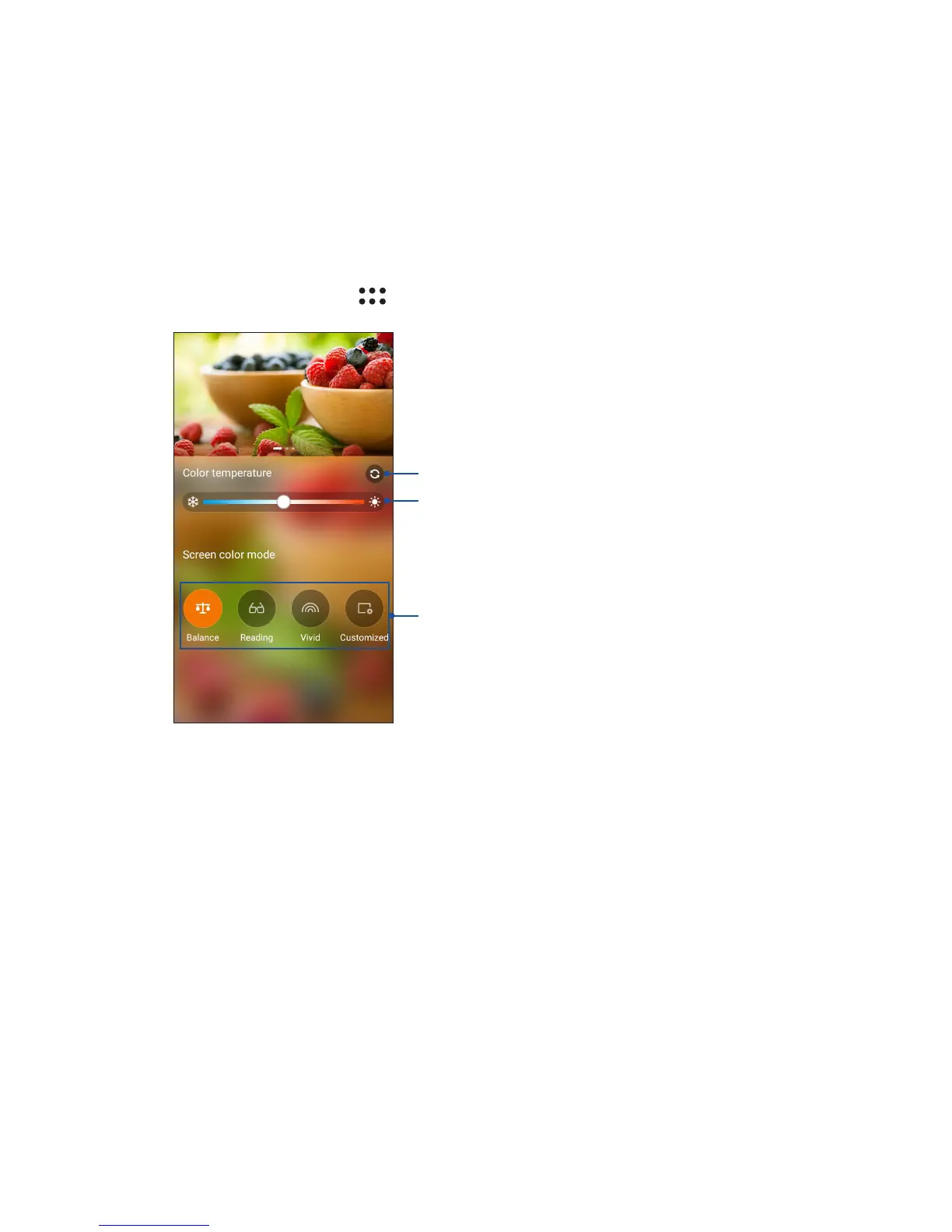
ASUS Splendid allows you to easily adjust the display settings. It enriches the color of your
screen with these four ASUS Splendid modes: Balance Mode, Reading Mode, Vivid Mode and
Customized Mode.
Balance Mode
To enable the Balance Mode:
1. From your Home screen, tap > Splendid.
2. Adjust the screen color temperature and tap Balance.
Move to adjust the color temperature
Tap to select a color mode
Tap to reset to factory defaults















 To Next Page