18
Using the Glove mode
You can still navigate the touchscreen of your ASUS Phone even when you’re wearing your gloves.
Do any of the following to enable Glove mode:
• Swipe down from the System notifications screen to launch the Quick Settings panel, then
tap Glove mode.
• Tap > Settings > ASUS customized settings, then tick Glove mode.
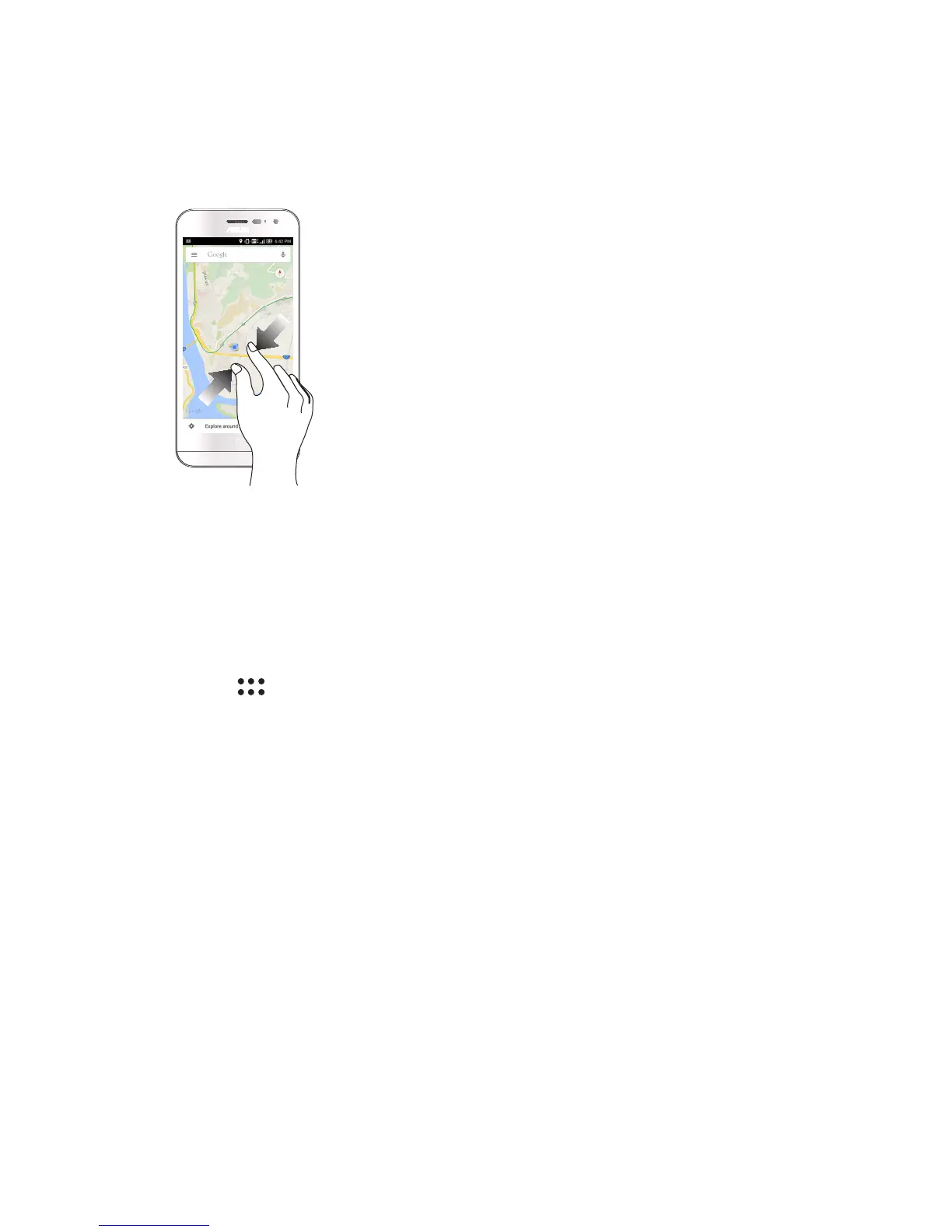
Zooming out
Bring together your two fingers on the touch panel to zoom out an image in Gallery or Maps.














 To Next Page