Adding contacts
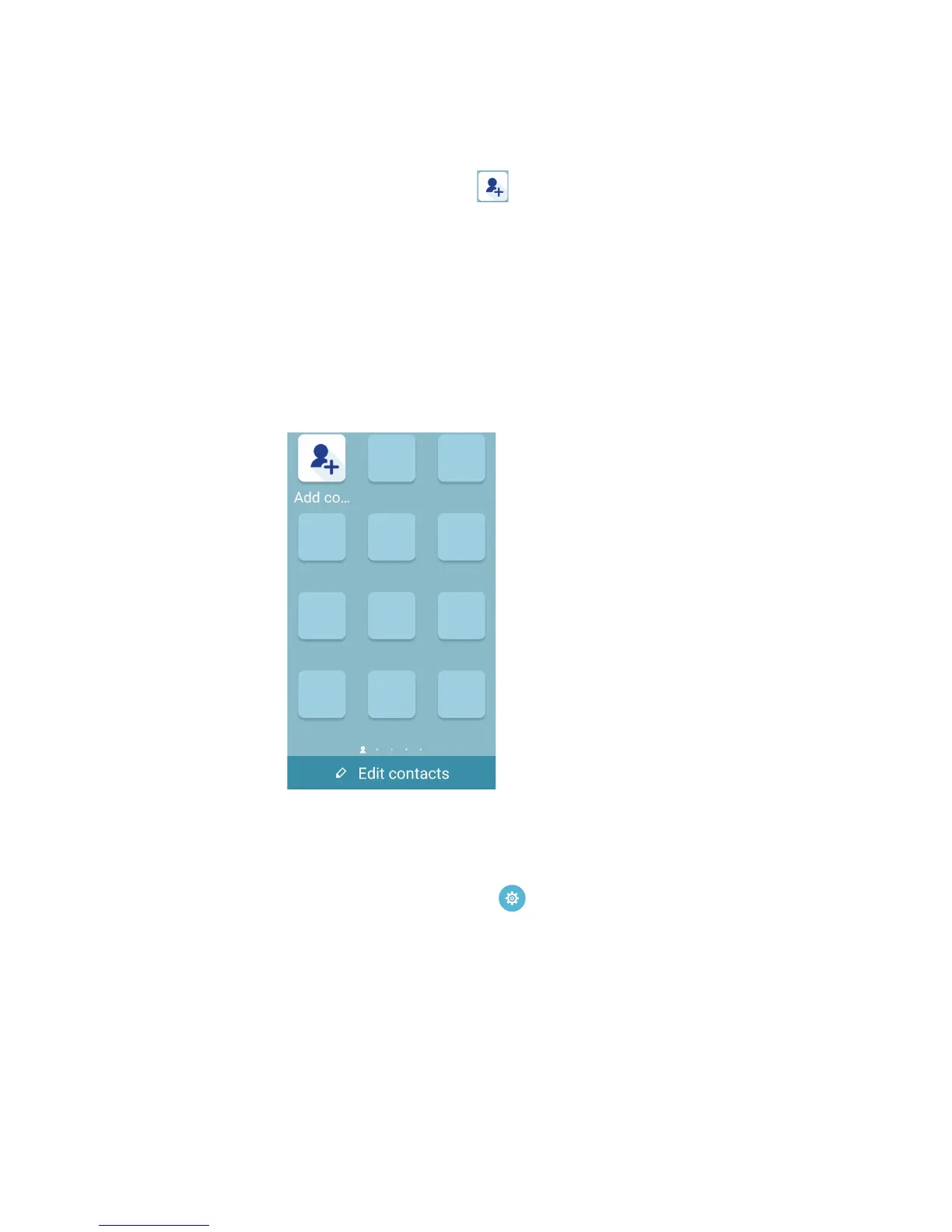
In Easy Mode, you can add your frequently contacts on the Home screen.
1. Swipe to the left of the Home screen, then tap .
2. From the Contacts screen, select the contact that you want to add to the list.
Removing contacts
Do the following:
1. Swipe to the left of the Home screen, then tap Edit contacts.
2. Select the contact or contacts that you want to remove from the list, then tap Delete.
Disabling Easy Mode
To disable Easy Mode:
1. Swipe down from the top of your screen then tap .
2. Select Easy Mode from the Settings screen.
3. Slide Easy Mode to OFF.














 To Next Page