IMPORTANT!
• WhenusingyourASUSPhonewhileitispluggedtoapoweroutlet,thegroundedpoweroutlet
must be near to the unit and easily accessible.
• WhenchargingyourASUSPhonethroughyourcomputer,ensurethatyouplugthemicro-USBcable
toyourcomputer’sUSB2.0/USB3.0port.
• AvoidchargingyourASUSPhoneinanenvironmentwithambienttemperatureofabove35
o
C
(95
o
F).
• ChargeyourASUSPhoneforeight(8)hoursbeforeusingitinbatterymodeforthefirsttime.
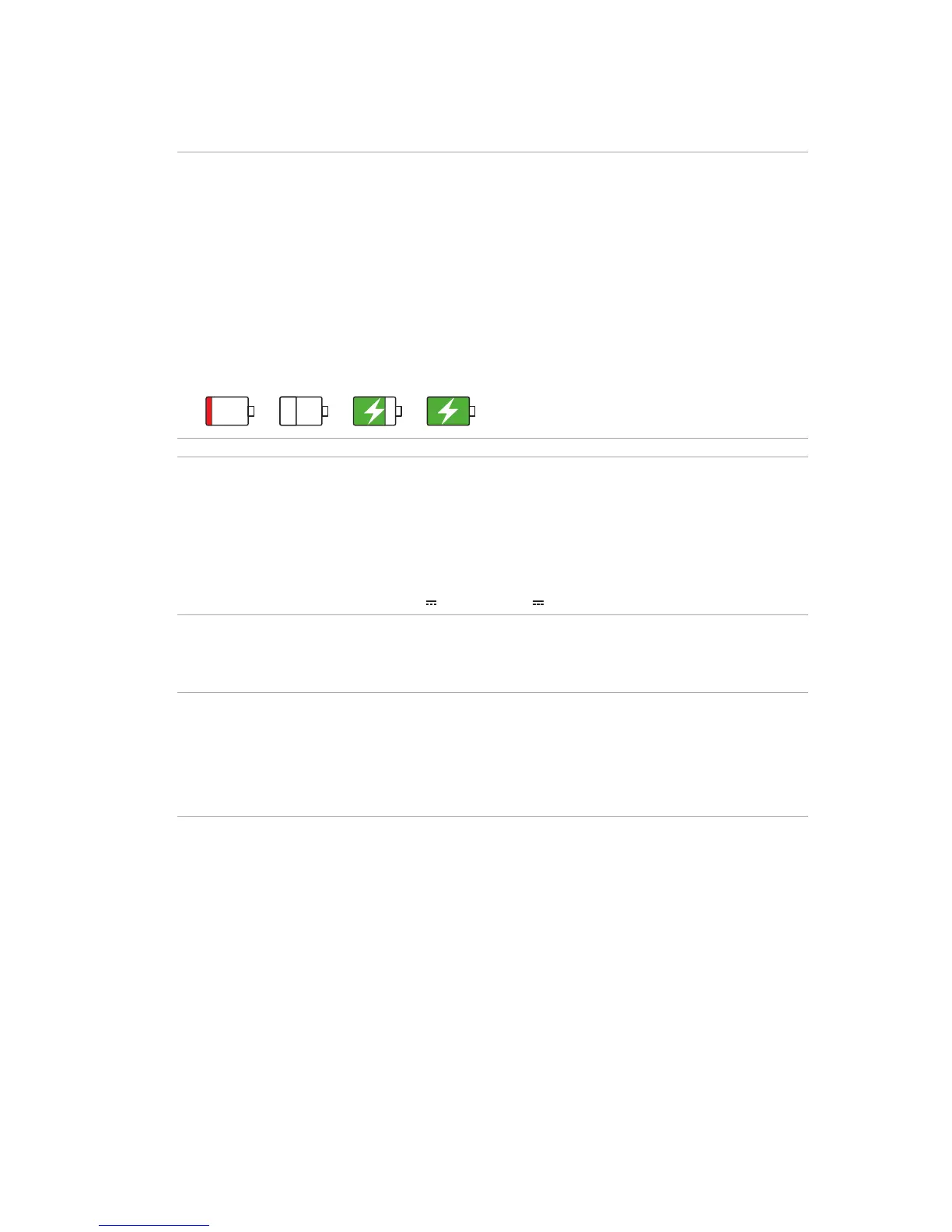
• Thestatusofbatterychargeisindicatedbythefollowingicons:
Low Not Charging Charging Full
NOTES:
• Useonlythepoweradapterthatcamewithyourdevice.Usingadifferentpoweradaptermay
damage your device.
• UsingthebundledpoweradapterandASUSPhonesignalcabletoconnectyourASUSPhonetoa
power outlet is the best way to charge your ASUS Phone.
• TheinputvoltagerangebetweenthewalloutletandthisadapterisAC100V-240V.Theoutput
voltageofthemicro-USBcableis+9V 2A,18W/+5.2V 1.35A, 7W.
4. When fully-charged, disconnect the USB cable from your ASUS Phone first before unplugging
the AC power adapter from the power outlet.
NOTES:
• Youcanuseyourdevicewhilechargingbutitmaytakelongertofullychargethedevice.
• ChargingyourdeviceviaUSBportofacomputermaytakelongertofullychargethedevice.
• IfyourcomputerdoesnotprovideenoughpowerforchargingviaUSBport,chargeyourASUS
Phone using the AC power adapter plugged to a power outlet instead.














 To Next Page