Page 26 Draft Rev. AX5
AdvanTag 9100 Technical Manual
Chapter 2: Theory of Operation
Interfaces
a
External Presence (9100 Reader only)
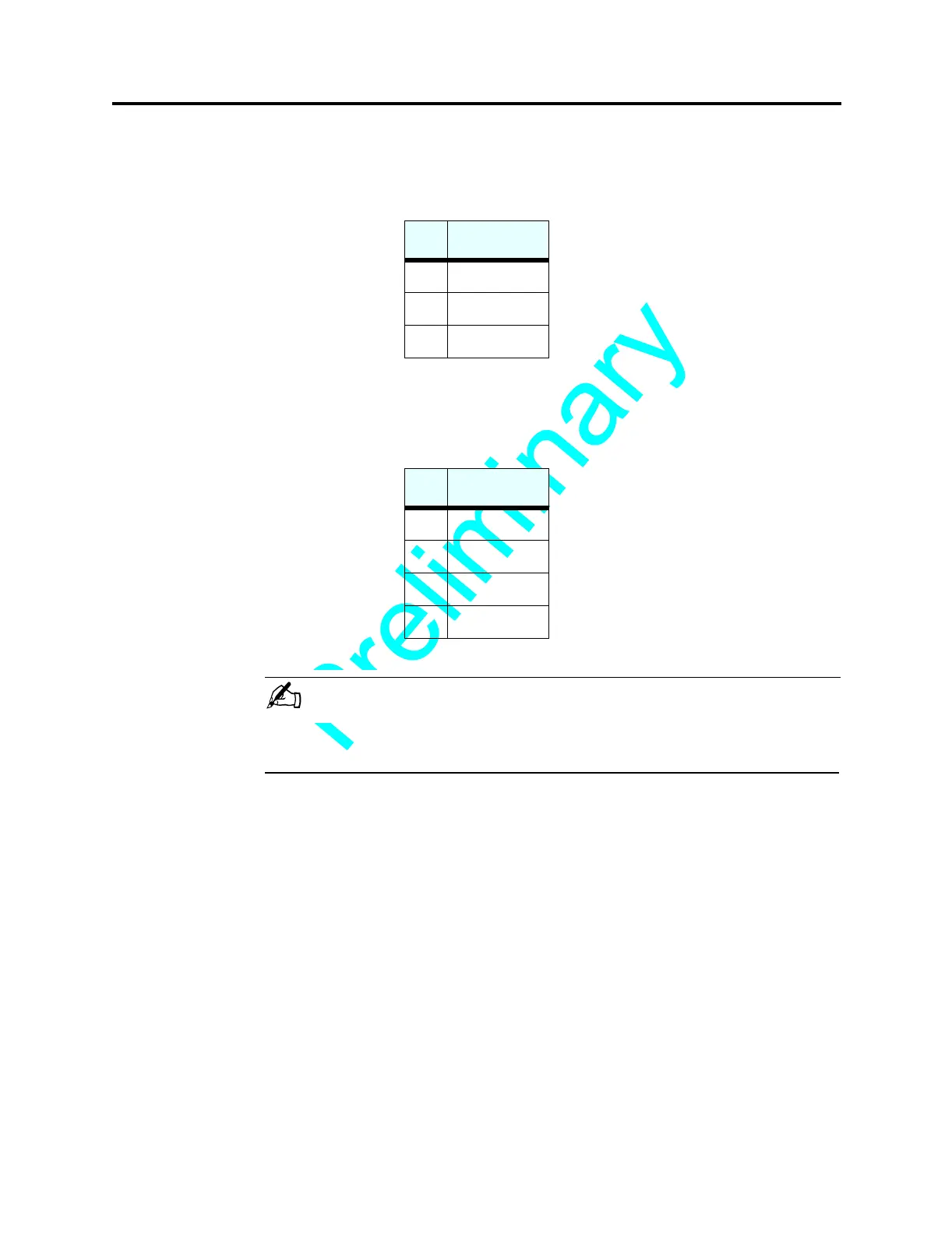
The port labeled REMOTE I/O is for an external presence sensor that detects events
such as pod arrival and pod removal.
The REMOTE I/O port is a shielded RJ45 socket used for the external presence sensor.
Ethernet (in development)
The Ethernet port is a shielded RJ45 socket used for communication to a host using
HSMS.
NOTE . . .
FOR INFORMATION ON COMMUNICATION THROUGH ALL PORTS, PLEASE REFER
TO THE SOFTWARE MANUAL.
Buttons/Switches
Reset
Press this button to reset the unit. This will set the baud rate to 9600 and the SECS
DeviceID to match the TargetID (default is 0003).
Code Upgrade
It will be necessary to put the AdvanTag in Upgrade mode in order to download new
software through the serial port.
To set the AdvanTag 9100 in Upgrade mode, press the Reset and Code Upgrade buttons
simultaneously, then release the Reset button, then wait approximately 2-3 seconds, then
release the Code Upgrade button.
To exit Upgrade mode, press the Reset button.
Pin Signal
1
24 VDC
2
Presence
4
Ground
Pin Signal
1
TX+
2
TX-
3
RX+
6
RX-


 To Next Page