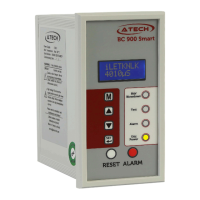
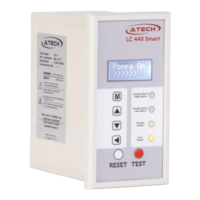
SMART ON-OFF LEVEL CONTROLLER
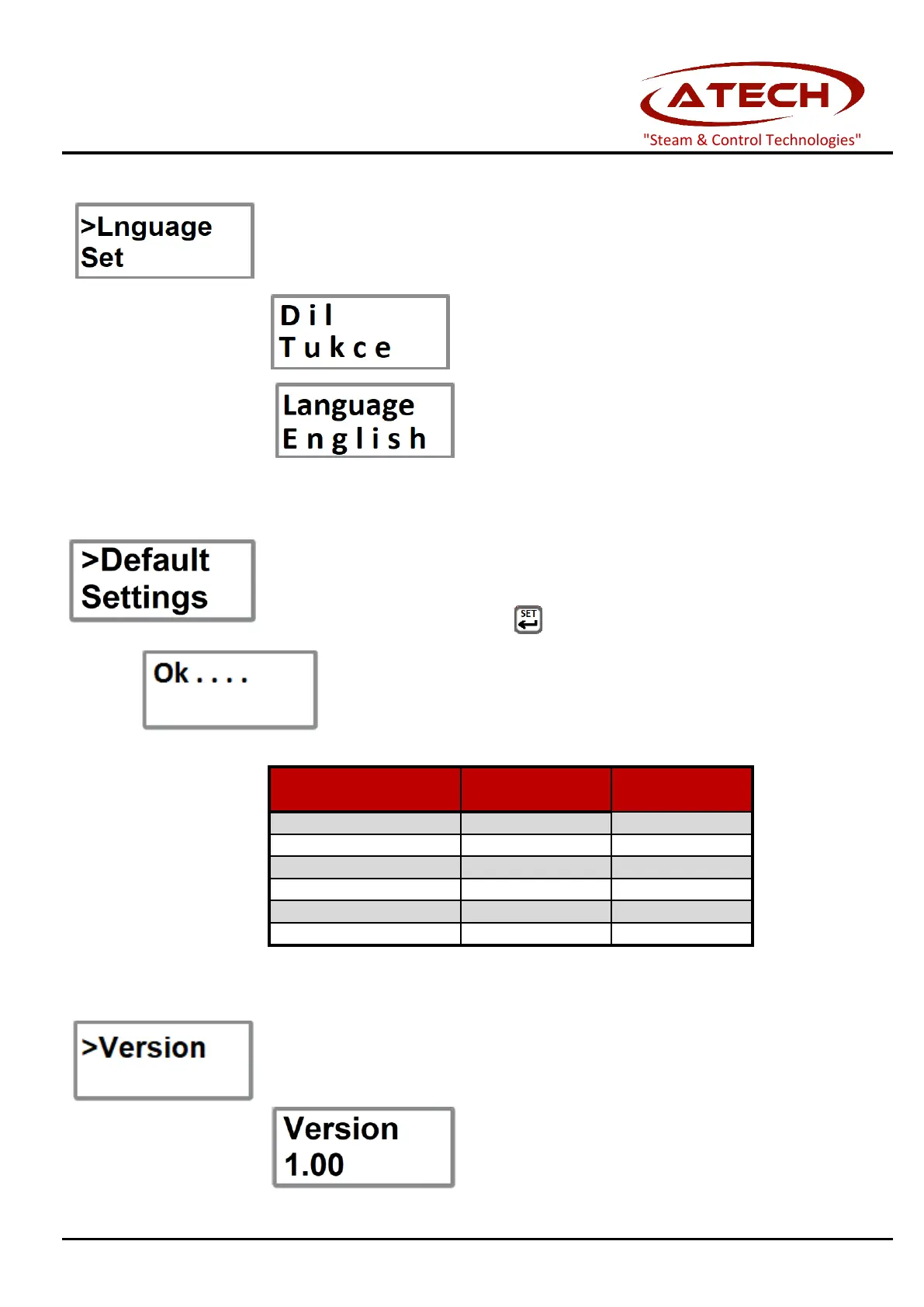
5.2.12 Language Set
Menu usage language can be selected as Turkish and English.
Turkish can be selected as the menu usage language when
English can be chosen as the menu language.
If the default settings are needed, "Default Settings" function could be selected from
To select "Default Settings", press button for 5 second on this function.
After confirming "Ok" on the screen, will be returned to the
menu. Default settings as below :
Allows the software version to be viewed.
"Steam & Control Technologies"


 To Next Page