29
Chapter 6
The Firmware Upgrade Utility
The Windows-based Firmware Upgrade Utility (FWUpgrade.exe) provides a
smooth, automated process for upgrading the KVM switch’s firmware. The
Utility comes as part of a Firmware Upgrade Package that is specific for each
device. Check the web site regularly to find the latest packages and information
relating to them:
http://www.aten.com/download/download_fw.php
Before you Begin
1. From a computer that is not part of your KVM installation, go to our
Support & Download
site and choose the model name that relates to
your device (CS1912 / CS1914) to get a list of available Firmware
Upgrade Packages.
2. Choose the Firmware Upgrade Package you want to install (usually the
most recent), and download it to your computer.
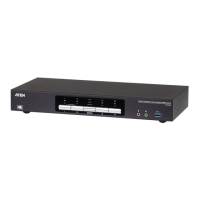
3. Disconnect the CS1912 / CS1914 from your KVM installation and power
it off. Connect the USB cable's Type A USB connector to a USB port on
your computer.
4
3
5
5



 To Next Page
 Loading...