KH1508A / KH1516A / KH1532A User Manual
54
Before You Begin
To prepare for the firmware upgrade, do the following:
1. From a computer that is not part of your KVM installation go to the ATEN
Internet support site and choose the model name that relates to your device
to get a list of available Firmware Upgrade Packages.
2. Choose the Firmware Upgrade Package you want to install (usually the
most recent), and download it to your computer.
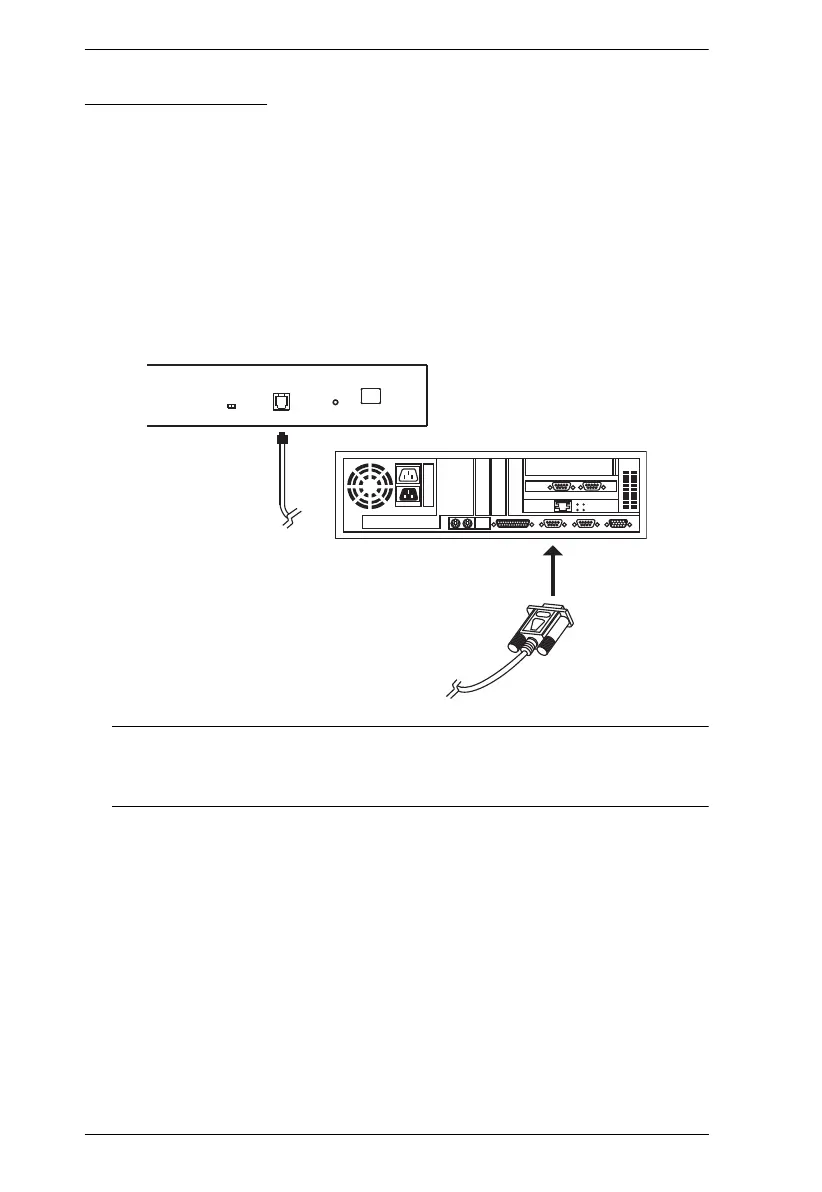
3. Use the firmware upgrade cable (provided with this unit), to connect a
COM port on your computer to the firmware upgrade port of your device.
Note: On a daisy chained installation, connect the cable to the first station
(master) unit. The chained stations (child or slaves) that are the same
model will receive the upgrade via the daisy chain cables.
4. Shut down all of the computers except those that are attached to cable
adapters that require upgrade. The cable adapters require the computers
power source to be upgraded. Do not shut down the stations on the KVM
installation that you want to upgrade.
5. From your KVM switch console, bring up the OSD (see page 26) and
select the F4ADM function.
6. Scroll down to FIRMWARE UPGRADE. Press [Enter], then press [Y] to
start the Firmware Upgrade mode (see page 35).



 To Next Page