( 2 ) Go on printing “A” : Click this button to continue the machine from the
interruption.
(3)Stop printing “C”:Click this button to cancel the printing and the machine to stop
printing.
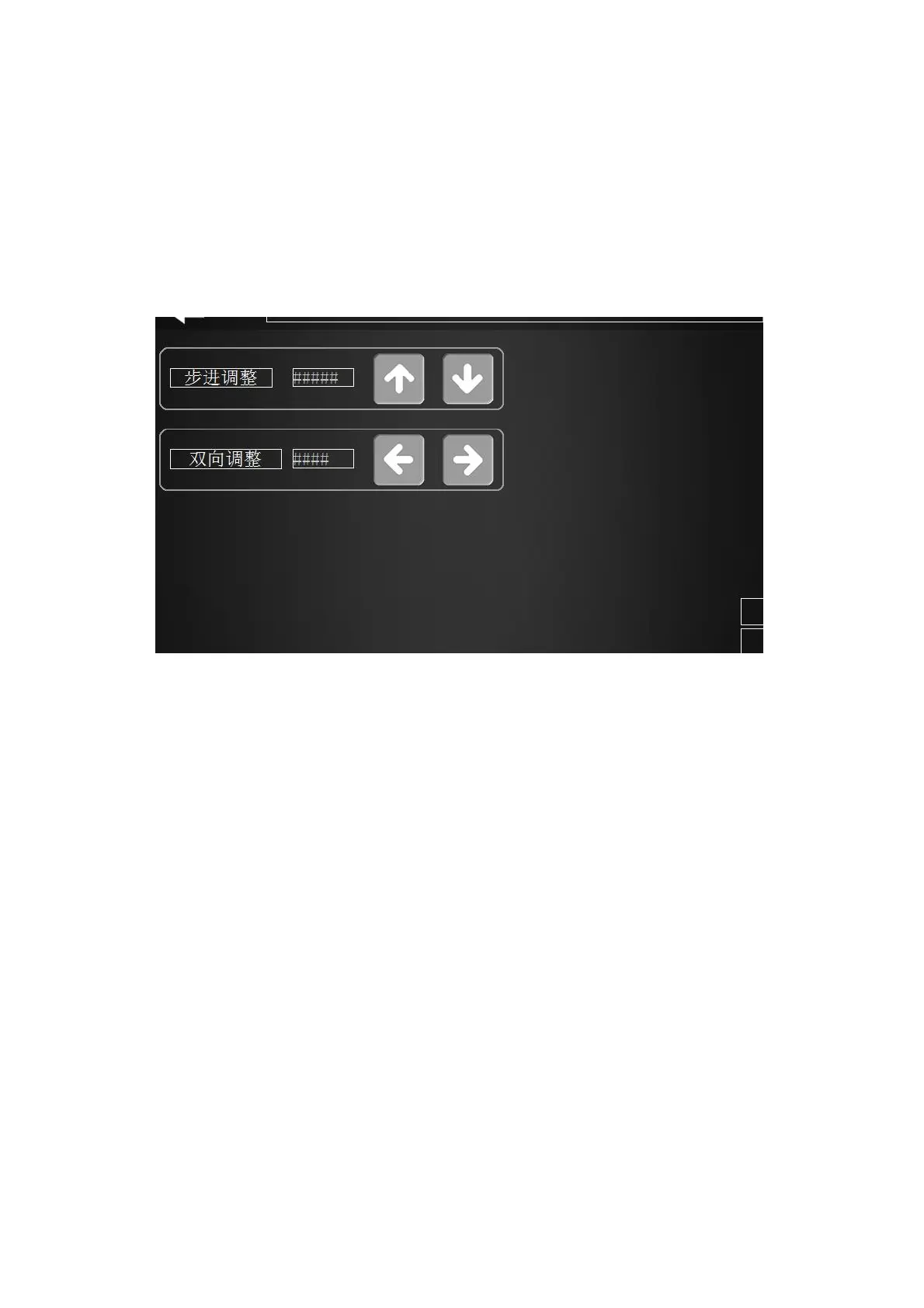
(4)Printing adjustment “D”:Click it to achieve movement adjustment and bi-calibration.
movement adjustment
bi-calibration
Figure 2-7 Printing adjustment
(5)The status indication of the indicator in Figure 2-6:
①、Printing light: Shows the print status.
The light is on: the machine is printing.
The light is off: the machine stops printing.
②、Printing pause indicator:the indicator light is on when click the pause option.
2.3 Main page
Click main page menu and back to menu interface, as figure 2-8 shows


 To Next Page