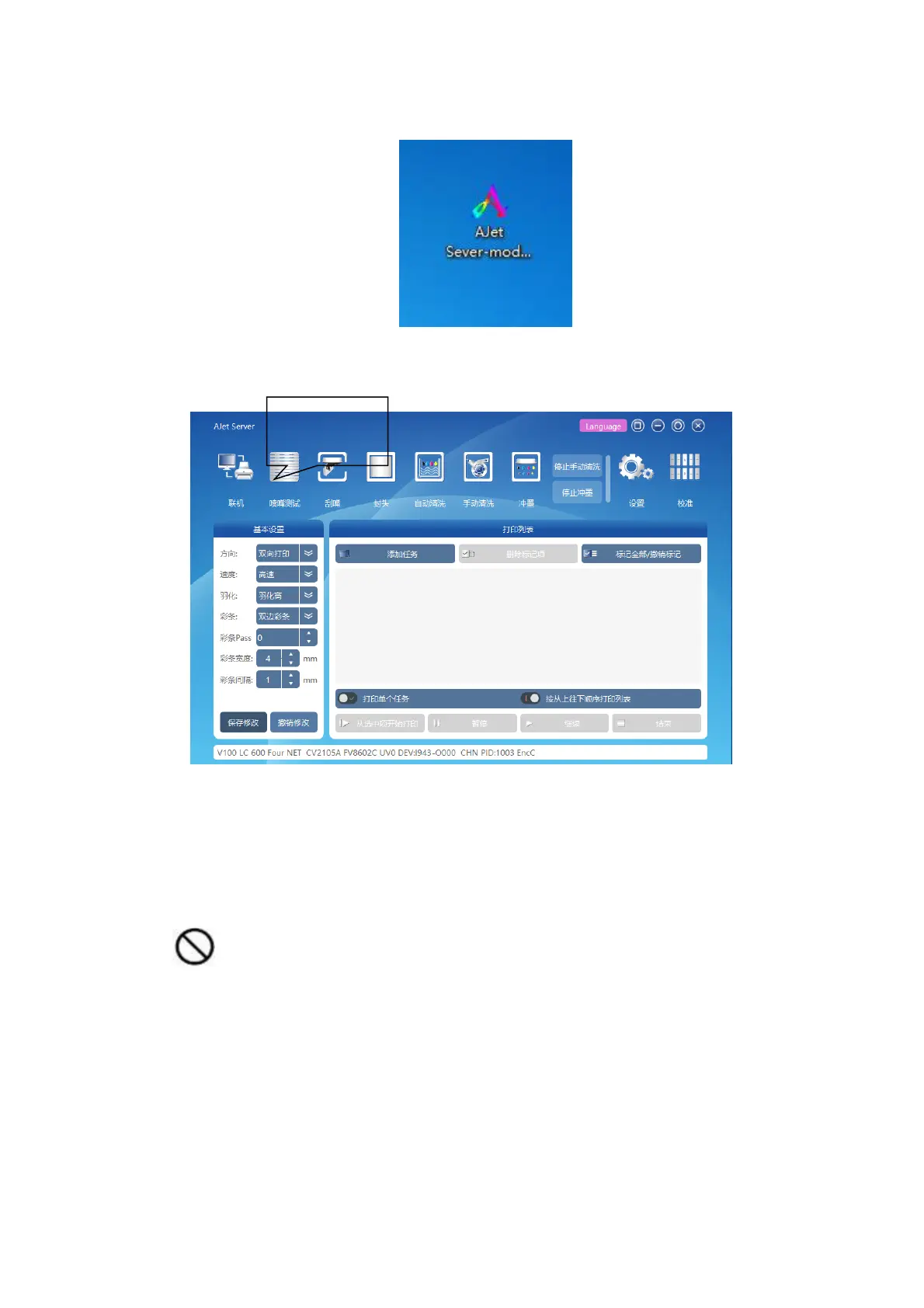
B. When the display shows the desktop, double-click the Server icon on the desktop to open the Server
software.
FIgure 5-6 Open Server
C. Set the scan direction value (in mm) and click the “Print Test bar” option
Figure 5-7 Server home screen
The printhead is moved to the cleaning position after printing is complete. If the test strip is printed, there are
many broken holes and the printing requirements are not met.
Repeat the steps to clean the printhead and print the test strip until the printhead is in good condition.
Warning: Do not touch the moving head holder and the guide band.
5.3 Paper feeding
5.3.1 Check the front and back side of paper



 To Next Page