Figure 5-1 Switch button
Note: The nozzle holder will automatically return to the cleaning position after pressing the power button.
Do not touch the moving nozzle holder and suction platform.
5.2.2 Machine check after start up
(1) Wiper: Check whether the blade and the base are clean, remove the accumulated ink on the surface and dry
dirt; and check if the blade is neat or not.
(2) Surface and surrounding of the nozzle: Check whether there is residual ink on the surface and the periphery of
the nozzle. The surface of the nozzle must be wiped with a moist non-woven fabric (it can be wetted with
cleaning liquid, deionized water and distilled water, or heated to the above liquid) 30 ° C -40 ° C effect is better),
use a wet sponge rod or non-woven fabric to remove the dry ink and foreign matter around the nozzle; at the
same time check the nozzle negative pressure;
(Print the test strip to retain the sample).
(3) The whole moisturizing plate: the moisturizing plate is moistened with deionized water or pure water. Under
normal circumstances, it is changed once every 2-3 days. If the ink in the moisturizing tray is dirty, it needs to be
replaced every day.
5.2.3 Nozzle cleaning
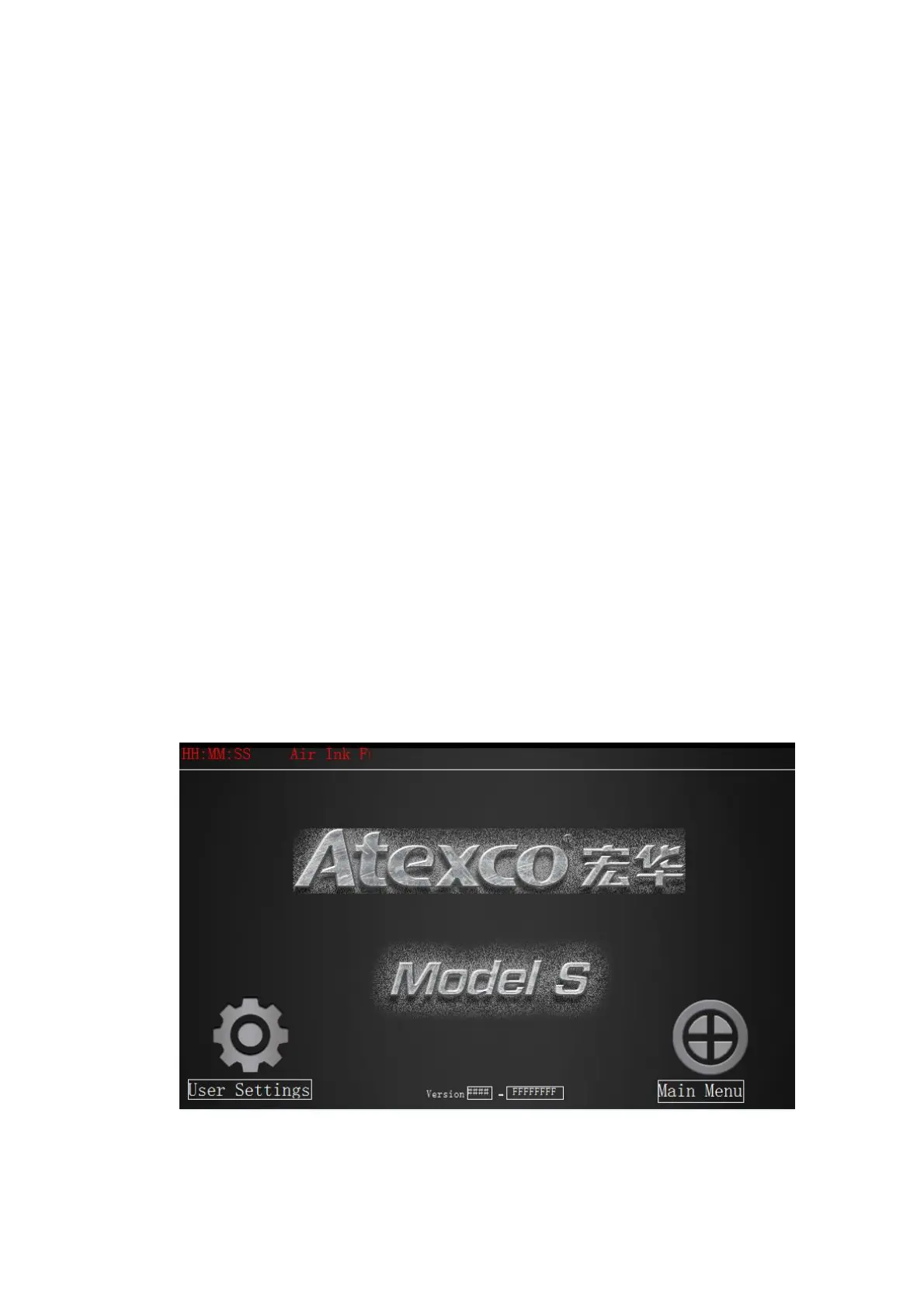
(1)After the printer is turned on, the touch screen displays the boot interface as shown in Figure 5-2.
Click on the "Enter System" option to display the functional world. In the function interface, click the "nozzle
cleaning" option.
Figure 5-2



 To Next Page