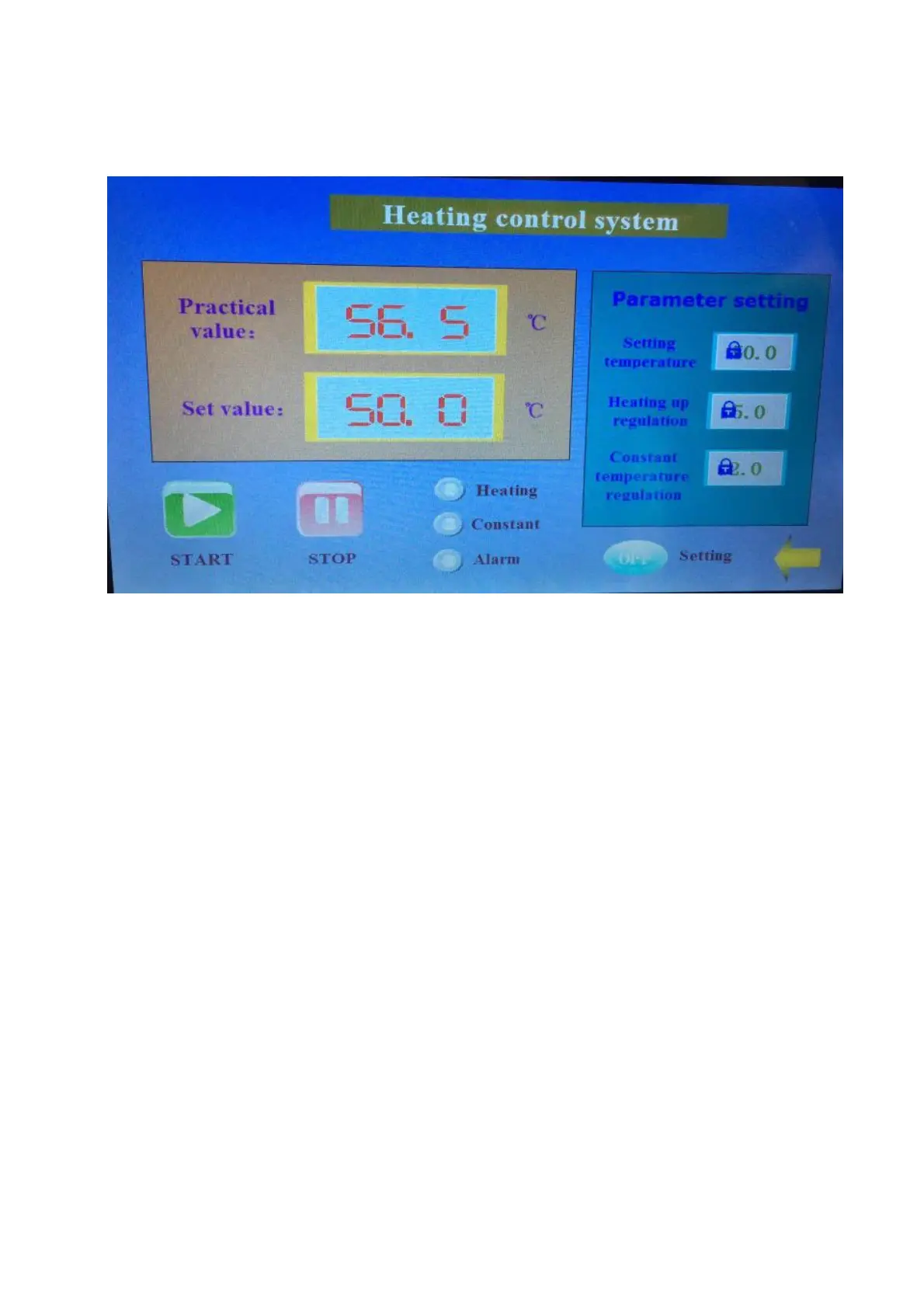
The number at right side indicate the current dryer working temperature.
Functions:
Display real-time temperature of dryer and temperature setting.
Set “Start” and “Stop” of dryer.
Display Heating/Constant-Temperature/Alarm Status of Dryer.
Setup: Set to “ON”, adjust the parameters of temperature and constant temperature. Set to “OFF”,
parameters setting is prohibited.



 To Next Page