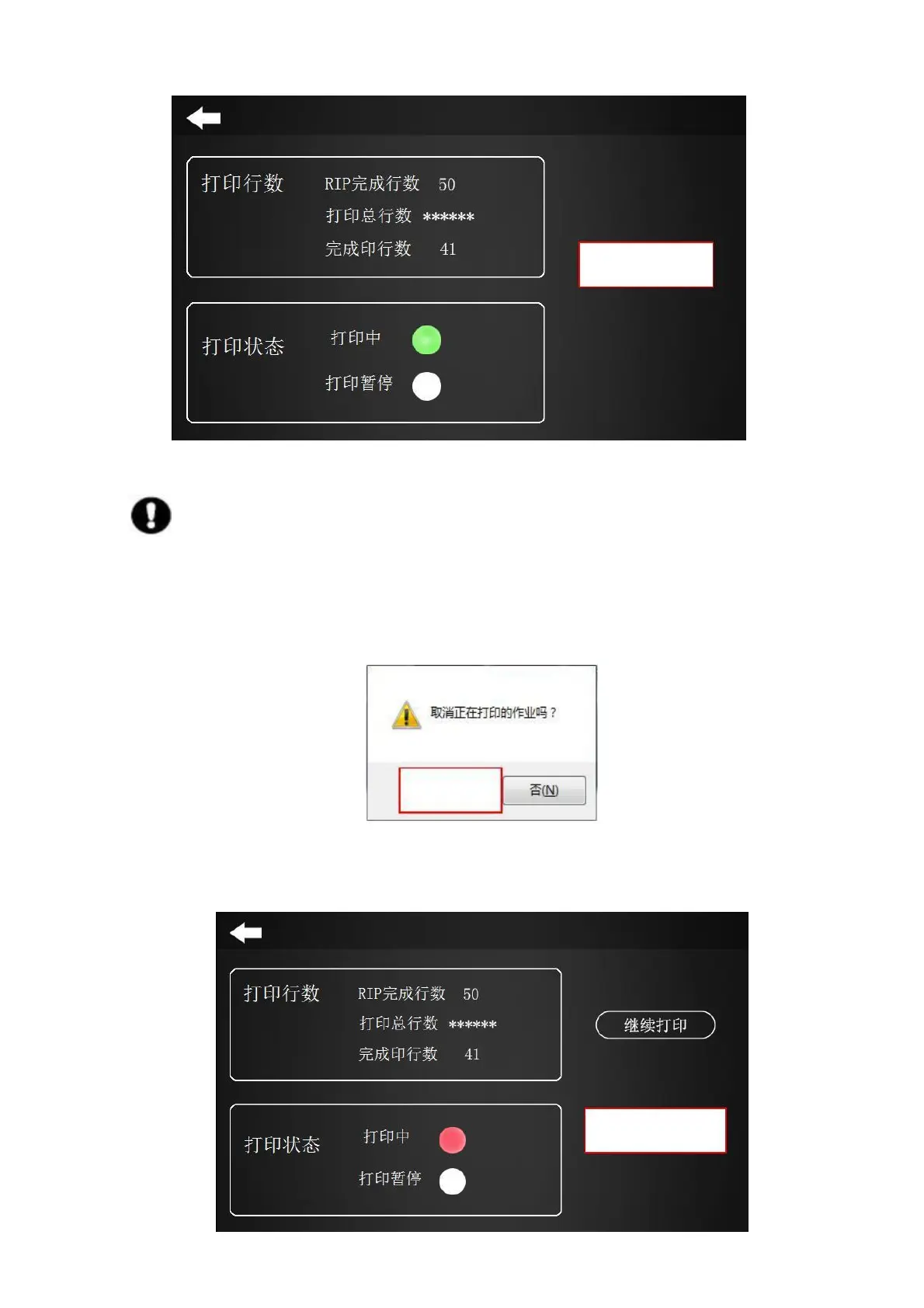
Figure 4-22 Figure
Note: Stopping a print job as an interrupted print job cannot be continued.
(3)Stop printing can be controlled through the touch screen:
a. When you need to cancel/end the print job, you can use the keyboard shortcut “ESC” to pop up the
following interface. Click “Yes” to cancel the job being printed.
Figure 4-23 RIP End Print Job
b. Click “stop printing” on the screen touch to stop the work.



 To Next Page