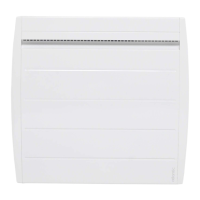
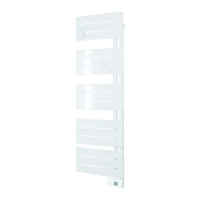
31
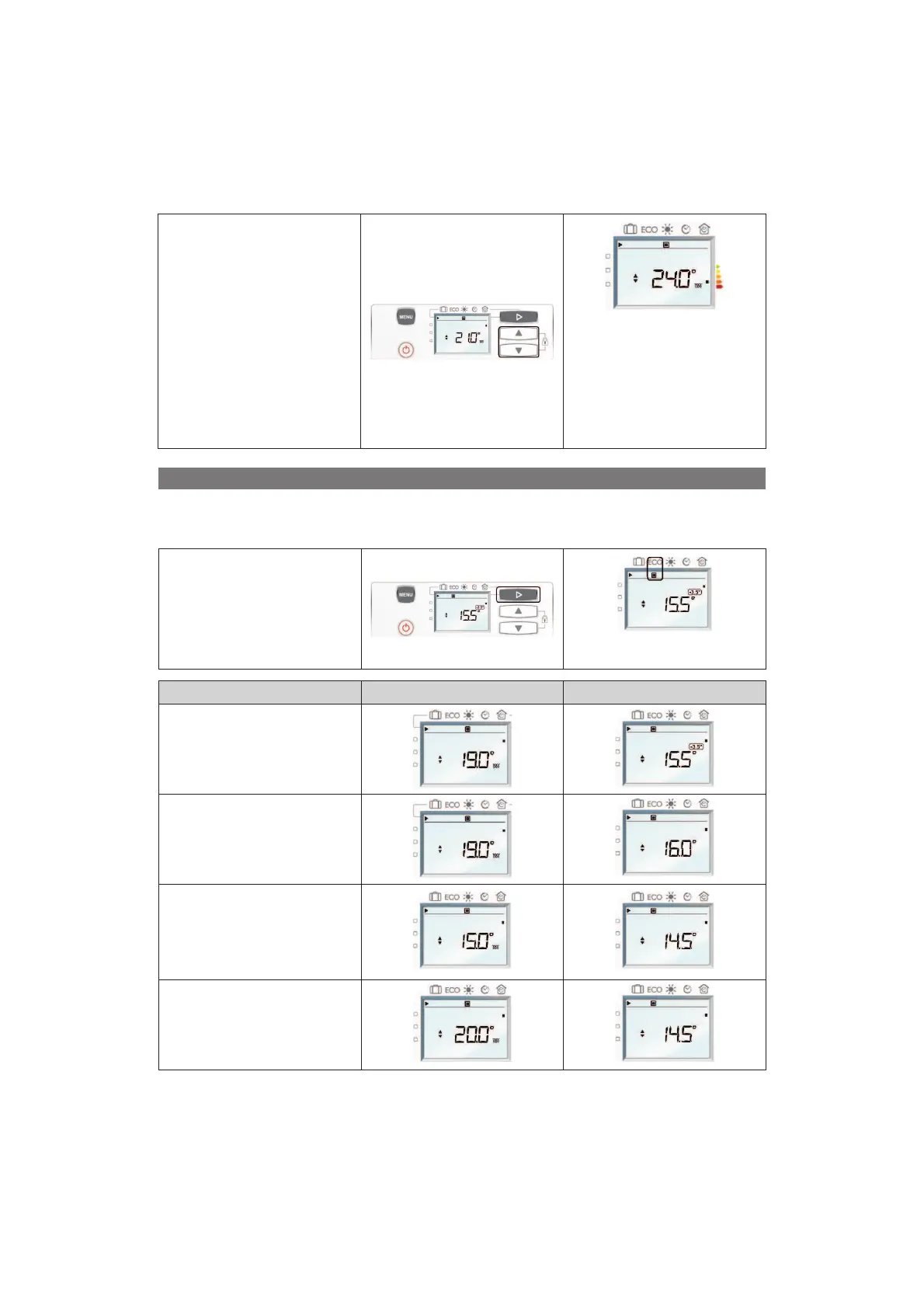
If the room tempe-
rature is not conve-
nient, press on G or H
(D), the temperature
flashes. Press again
on G or H (D) to adjust
the temperature.
The higher the
temperature indicated
on the screen, the
more the consumption
indicator will move
downwards (orange
and red indicator)
GOING OUT FOR A FEW HOURS: USE THE ECO MODE
You are recommended to use this mode for periods of absence of between 2 hours and 48 hours, or during the
night, notably in bedrooms.
The maximum ECO temperature is 19°C or 0.5°C less than the comfort temperature.
To activate the ECO mode, press
several times on E (C) until the
cursor is on the ECO mode.
By default, the ECO temperature
is at 15.5°C.
Comfort display Eco display
Changing from Comfort mode to
ECO mode: temperature falls by
-3.5°C compared to the Comfort
temperature.
The pictogram -3.5°C does
not appear on the screen: the
divergence from the set Comfort
temperature, is different by
-3,5°C.
If you lower the Comfort
temperature below the Eco
temperature, the Eco temperaure
will automatically lower by
-0,5°C compared to the Comfort
temperature.
Increase the Comfort
temperature, the Eco temperature
does not change.



 To Next Page