13
4.0 Operation
Beforeswitchingontheunit,makesurethatthehandleisin
itsholder(jetmustpointtoreversesideoftheunit).
4.1 Adjusting temperatures
• Number of temperature levels: 3
- Onelevelxedto37°Cirrigationtemperature.
- Twovariabletemperaturelevels(20°C-47°C)(48°C
+49°Conlyfortestingpurposes).
• Temperatesettingbycodingswitch(,,g.1).
- leftswitch:foradjustingthe"ten"partition
- rightswitch:foradjustingthe"one"partition
ª lowerkeys(+):Temperatureincrease
ª upperkeys(-):Temperaturedecrease
• Standard settings:
- Levelforirrigationmode:37°Cxed
- Level for cold stimulation: 30°C
- Levelforwarmstimulation:44°C
4.2 Selecting temperature levels
• Afteroperatingthemainpowerswitch,theautomatic
activation of the thermal process begins for reducing
bacterialcount,followedbytheautomaticactivationof
thetemperaturelevel"irrigationmode"(37°C).
• Forselectingthedesiredtemperaturelevel,usethe
respective key (,,,g.1).
ª Display of the active level by illuminated diodes.
ª Displayofthewatertemperature(currentvalue)in°C.
4.3 Adjusting stimulation time
• Bymeansofcodingswitch(,Fig.1).
4.4 Adjusting ow quantity
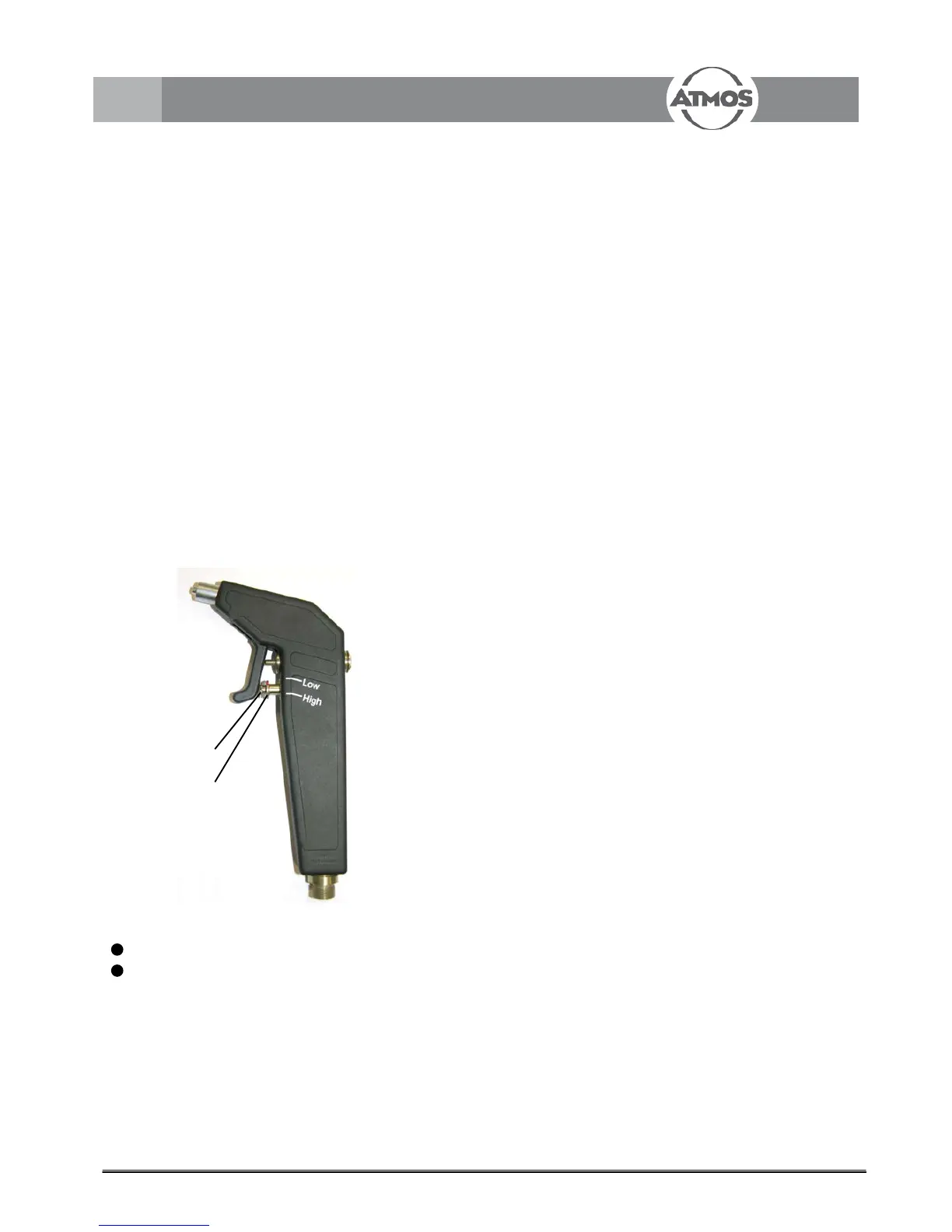
• Priortostimulationturnthesetscrew(,g.6)upwards
and arrest it.
• 2 adjusting possibilities:
- High:Flowquantityforearirrigation
- Low:Flowquantityforstimulationofthevestibule
Priortoearirrigationthesetscrewisturneddownwards,
inserted into the handle and then adjusted by turning it
downwardsagain.
Forneadjustmentoftheowtheadjustingscrew(,g.
6)isturnedinrespectivelyout.
) Periodicallycheckthewaterowforthestimulationofthe
vestibularorganandreadjust,ifnecessary.
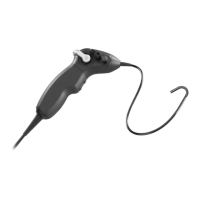
Fig. 6. Irrigation handle
1
Setscrew
2
Adjustingscrew


 To Next Page