EasyManua.ls Logo

Atmos A 161 - User Manual

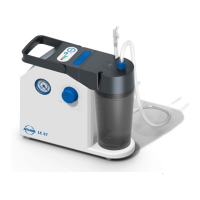
Atmos A 161
28 pages
Print Icon
To Next Page IconTo Next Page
Loading...
2020-07 Index: 38
GA1GB.310110.0
0124
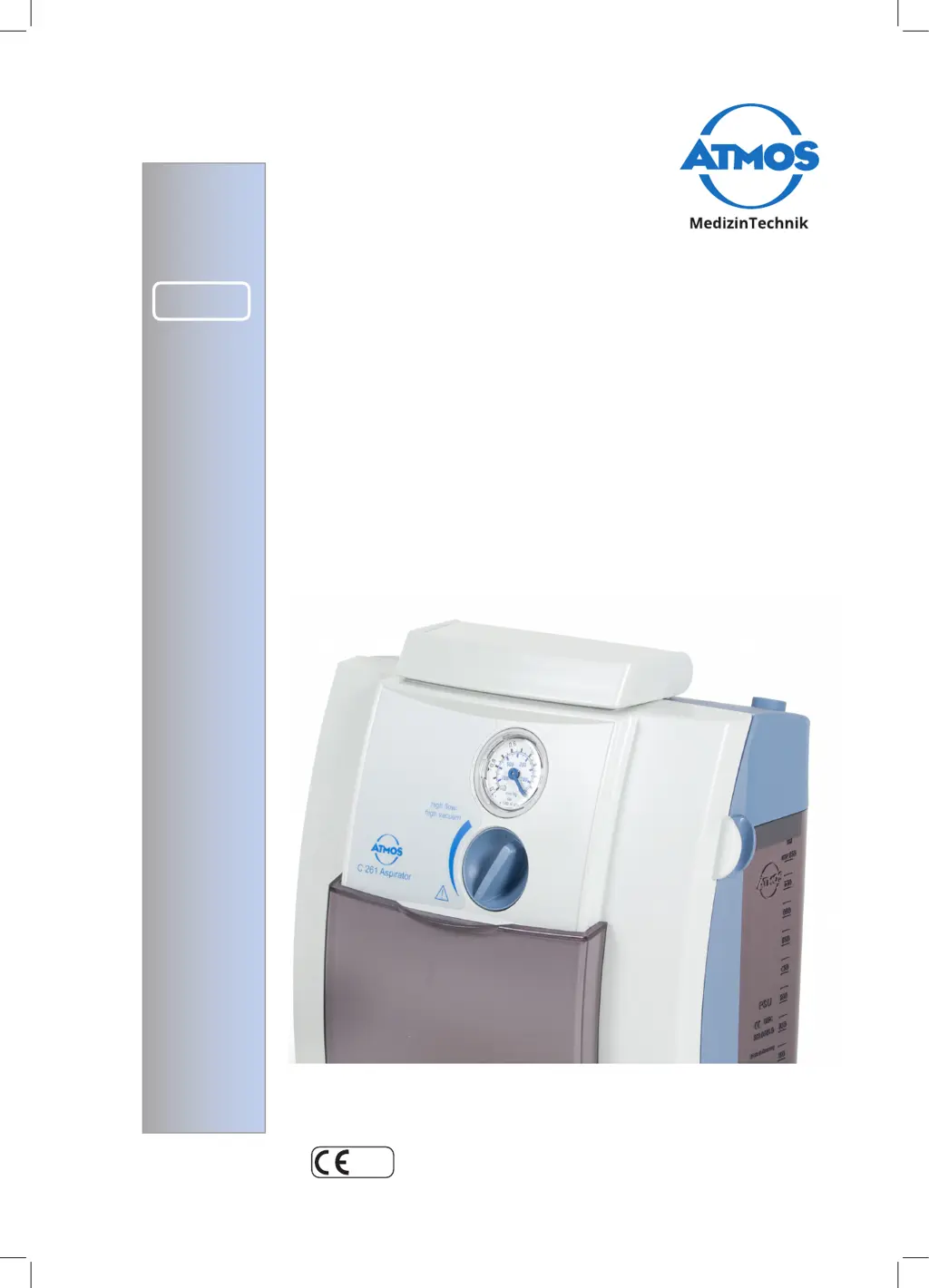
ATMOS
A 161 /
A 261 / C 161 /
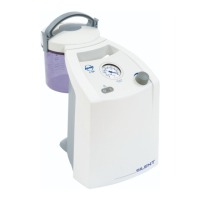
C 261 Aspirator
English
Operating instructions

Table of Contents

Questions and Answers

  • G
    Gary RiddleAug 11, 2025
    What to do if Atmos A 161 Medical Equipment device does not start?
    • E
      Ellen LongAug 11, 2025
      If your Atmos Medical Equipment device isn't starting, there are a few things you can check: * **Battery:** Ensure the battery isn't discharged by connecting the recharging unit power supply for 1 to 2 hours. * **Plug Connections:** Verify that the recharging unit power plug and the power cable are securely seated. The indicator lamp should light up when the device is correctly connected.
  • J
    Justin RodriguezAug 16, 2025
    Why is high vacuum indicated on Atmos A 161 Medical Equipment?
    • N
      nathanbarkerAug 16, 2025
      A high vacuum indication on your Atmos Medical Equipment could be due to: * A blocked hydrophobic DDS bacterial and viral filter, in which case you should replace it. * The overflow protection float blocking the suction lid inlet. Check the suction lid inlet; if necessary, empty the rinsing canister, clean the oversuction protection, and ensure the float ball can move freely.
  • R
    Rebecca McguireAug 23, 2025
    What to do if Atmos A 161 switches off automatically when switched on?
    • K
      Kimberly SandersAug 23, 2025
      If your Atmos Medical Equipment switches off automatically after being turned on, it might be due to applied vacuum (over 40%). Ventilate the vacuum; after that, start-up should be possible again.
  • M
    Mandy GoldenAug 29, 2025
    What to do if low or no vacuum is displayed on Atmos A 161?
    • M
      Mark HayesAug 29, 2025
      If your Atmos Medical Equipment shows low or no vacuum, consider these potential causes: * **Filter:** Ensure the hydrophobic DDS bacterial and viral filter is correctly inserted. * **Leaks:** Check that the suction lid and hose are tightly fitted. * **Valve Plates:** If secretion or blood has been sucked in, causing the unit’s valve plates to stick together, remove the hydrophobic DDS bacterial and viral filter and place it back on the connecting pieces, ensuring it is seated securely. * **Suction lid:** Check suction lid is fitted tightly. * **Oversuction:** In case of oversuction, the device must be sent in for repair.
  • J
    James ColemanSep 4, 2025
    How to fix insufficient capacity in Atmos Medical Equipment?
    • B
      Brian ChenSep 4, 2025
      Insufficient capacity in your Atmos Medical Equipment may arise from: * A discharged battery. In this case, charge the battery. * A blocked bacterial and viral filter. If the hydrophobic DDS bacterial and viral filter is blocked, exchange it.

Atmos A 161 Specifications

General IconGeneral
BrandAtmos
ModelA 161
CategoryMedical Equipment
LanguageEnglish

Related product manuals