011 Idle
Position
X 0 0
Y 0 0
Z 337 3
Bed Calibration Extrusion
Macro
Fan 0%
HOMEConsoleMove
STOPControlPrint Setup
Nozzle 1 Hot Bed
200
70
23.3 24.2
1
011 Idle
Macros
Extrude 5mm
Retract 5mm
Tool0
Tool1
X
011 Idle
Position
X 0 0
Y 0 0
Z 337 3
Bed Calibration Extrusion
Macro
Fan 0%
HOMEConsoleMove
STOPControlPrint Setup
Nozzle 1 Hot Bed
200
70
23.3 24.2
1
011 Idle
Macros
Extrude 5mm
Retract 5mm
Tool0
Tool1
X
11
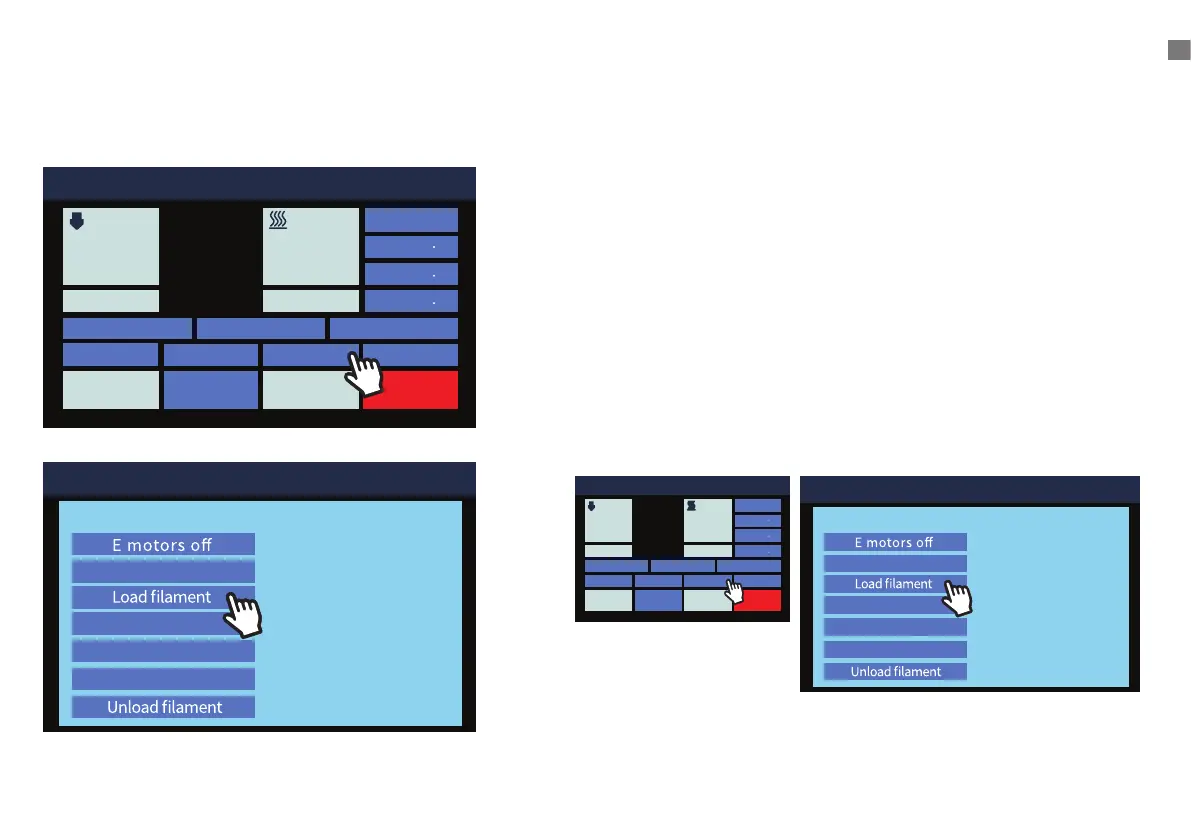
7. When the nozzle reaches the specified temperature,
click
[ Macros ] > [ Load Filament ]
UNLOADING FILAMENT
1. Touch the LCD screen to preheat the nozzle to the working
temperature of the material, for example, PLA is 200° C.
2. When the nozzle reaches the specified temperature,
click
[ Macros ] > [ Unload Filament ]
3. Hold the lament sensor and carefully rotate the spool while
the lament is unloading to avoid tangles.
4. IMPORTANT: When removing the end of the lament from the
sensor, carefully string the end through the hole in the spool
to avoid overlapping and tangles. These WILL cause lament
jams and failed prints.
Unloading Filament


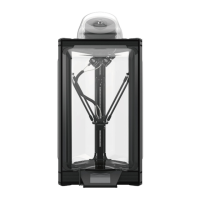
 To Next Page