15
CUSTOM SETTING
Custom Printer Name
Atom 3.5 support customized name, please follow the
steps below to set.
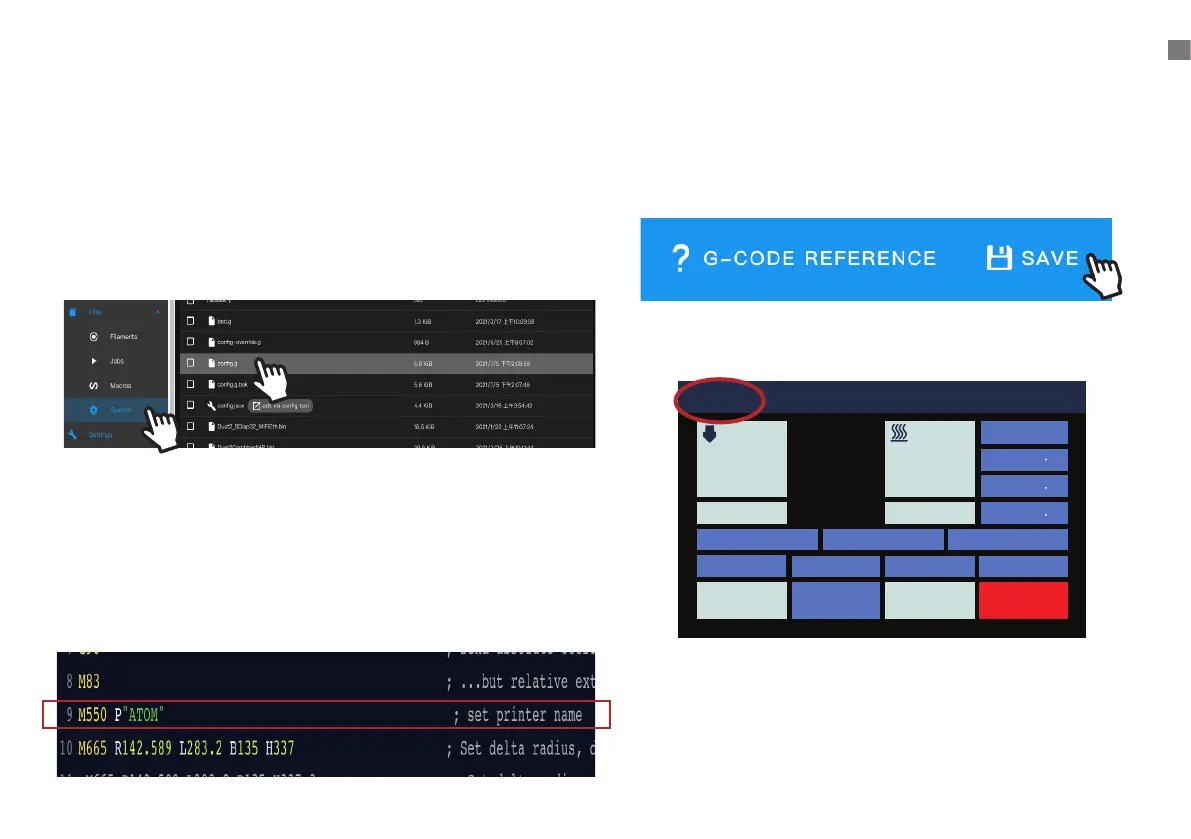
2. Enter the page and scroll down to Line 9 and custom
your printer name. Please put your custom name inside
the P''printer name'' (Only support alphabets and numbers
no longer than 15 charactors, DO NOT enter SPACE and
PUNCTUATION )
1. Open the browser and connect to the working
screen of the printer, and go to the left menu
Click
[ System ] > [ cong.g ]
3. After the modification is completed, click [SAVE]
to the upper right corner to save the modification.
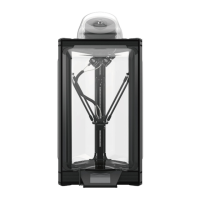
4. LCD will show your modification of the printer name.
5. When open the browser, enter
http://printer name.local will connect your pritner page
(no space between charactors))
ATOM Idle
Position
X 0 0
Y 0 0
Z 337 3
Bed Calibration Extrusion
Macro
Fan 0%
HOMEConsoleMove
STOPControlPrint Setup
Nozzle 1 Hot Bed
200
70
23.3 24.2
1
1
2


 To Next Page