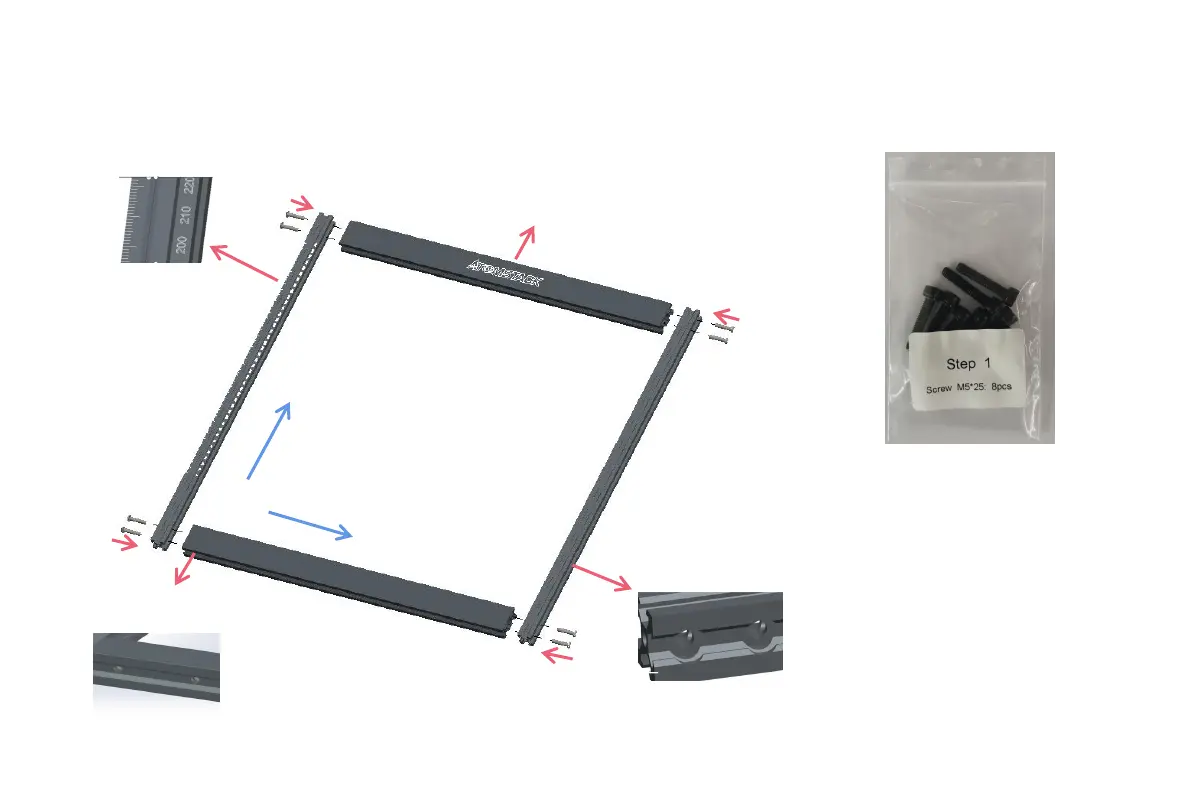
S t e p 1
Installation Manual:
1. Find the four large profiles in the picture
above, place the four profiles as shown, and
pay attention to the direction of the profiles.
2. Tighten the M5 screw in the shaft, and judge
whether you have installed it correctly through
the enlarged view details.
Nota:
a. Place the screws, but do not tighten them.
b. Then tighten the screws diagonally.
c. Tools required, M5 Allen key+M5 screws.
Logo side up
The hole side faces
outward
Gap side outwarder
X
Y
Tick mark font
direction
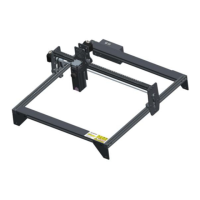
Step1 Required components:




 To Next Page